Global Search
Quickly find contacts, leads, conversations, and more with global search. Search across all your data from a single search bar.
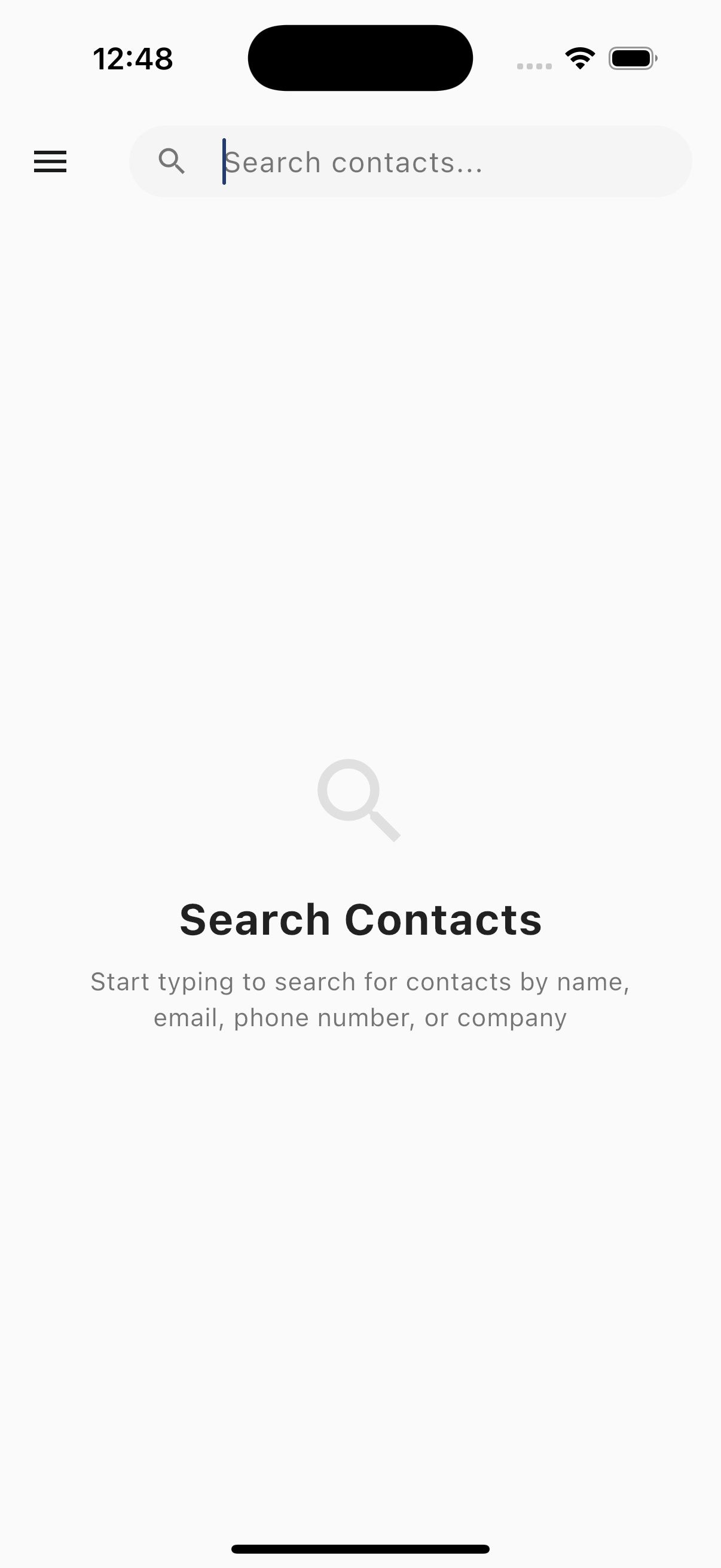
Accessing Search
Tap Search in the navigation drawer or use the search icon to open global search.
What You Can Search
Global search finds results across:
- Contacts - Name, email, phone number
- Leads - Lead name, subject, contact info
- Conversations - Message content, contact name
- Reservations - Guest name, confirmation code
Performing a Search
- Tap the search bar
- Enter your search term
- Results appear as you type
- Tap a result to open it
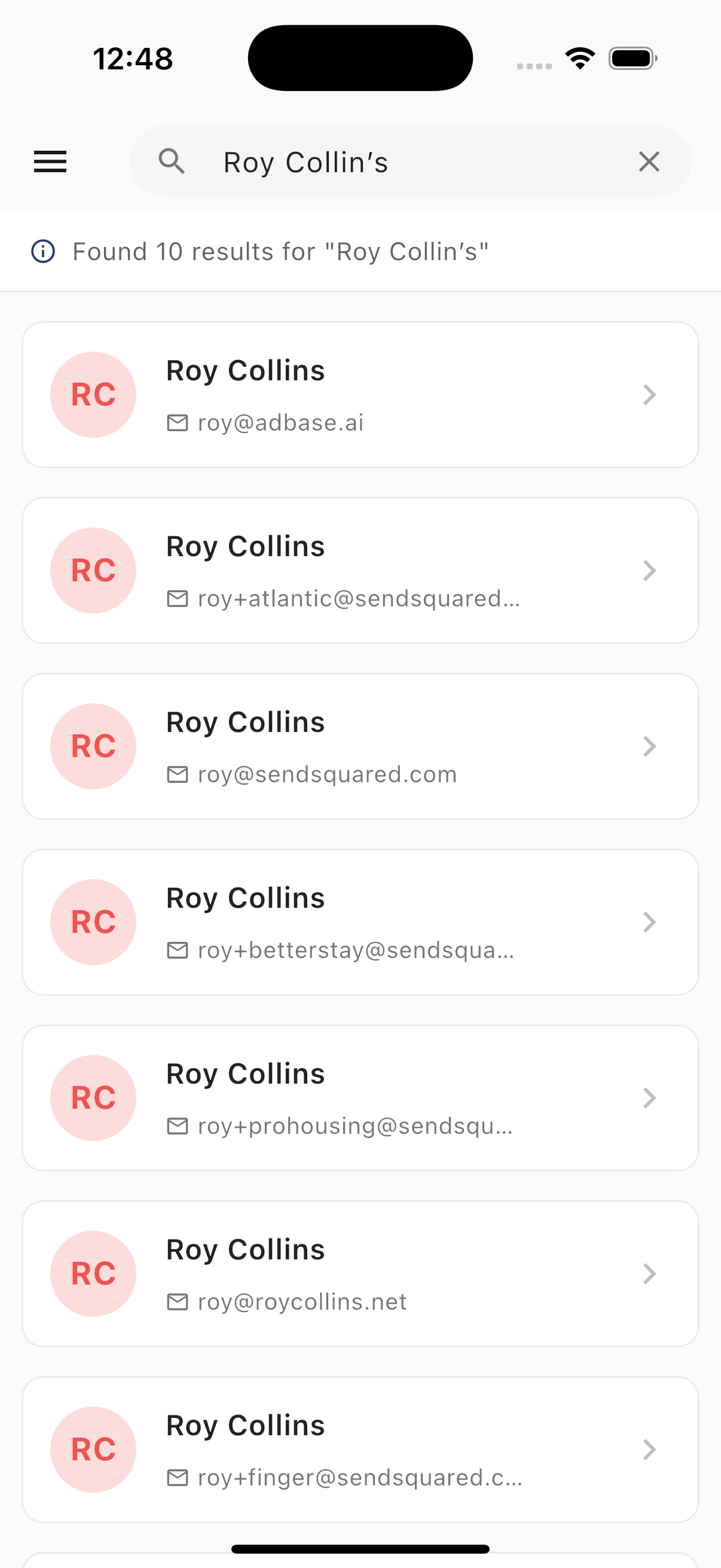
Search Results
Results are grouped by type:
Contacts
- Contact name
- Phone number
- Email address
- Tap to open contact profile
Leads
- Lead subject
- Associated contact
- Lead status
- Tap to open lead details
Conversations
- Contact name
- Message preview
- Channel (SMS, Email, WhatsApp)
- Tap to open conversation
Reservations
- Guest name
- Confirmation code
- Property
- Tap to open reservation
Search Tips
Partial Matching
- Search finds partial matches
- "John" matches "John Smith" and "Johnny"
- Phone numbers can be partial
Multiple Terms
- Use multiple words to narrow results
- "John hotel" finds contacts named John with "hotel" in their record
Phone Number Search
- Search by full or partial phone number
- Include or exclude formatting
- "555" finds all numbers containing 555
Email Search
- Search by full or partial email
- Domain searches work (e.g., "@gmail")
Search History
Recent searches are saved for quick access:
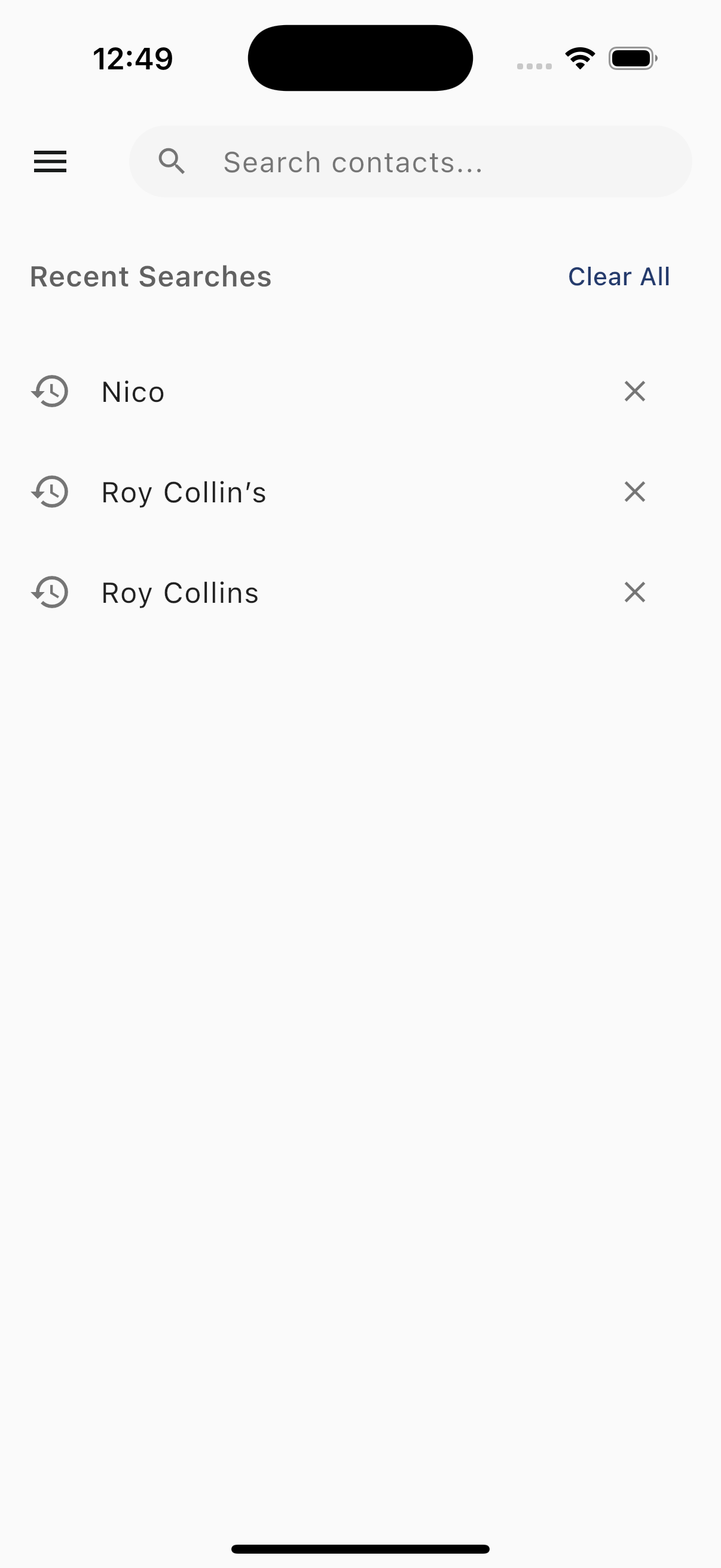
- View recent search terms
- Tap to repeat a search
- Tap the X to remove individual searches
- Tap Clear All to remove all search history
Filtering Results
After searching, filter results by:
- Type - Show only contacts, leads, or conversations
- Date - Filter by recent activity
No Results
If no results are found:
- Check spelling
- Try partial terms
- Use different search criteria
- Verify the record exists in the system
Best Practices
- Use specific terms for faster results
- Search by phone number for quick contact lookup
- Use confirmation codes for reservation searches
- Check recent searches before typing