Getting Started with the Mobile App
The SendSquared mobile app brings the power of your dashboard to your pocket. Available for both iOS and Android, the mobile app allows you to manage leads, respond to guest messages, monitor your team, and stay connected from anywhere.
Download the App
| Platform | Minimum Version | Link |
|---|---|---|
| iOS | 16.1+ | Download from App Store |
| Android | 8.0+ | Download from Google Play |
Logging In
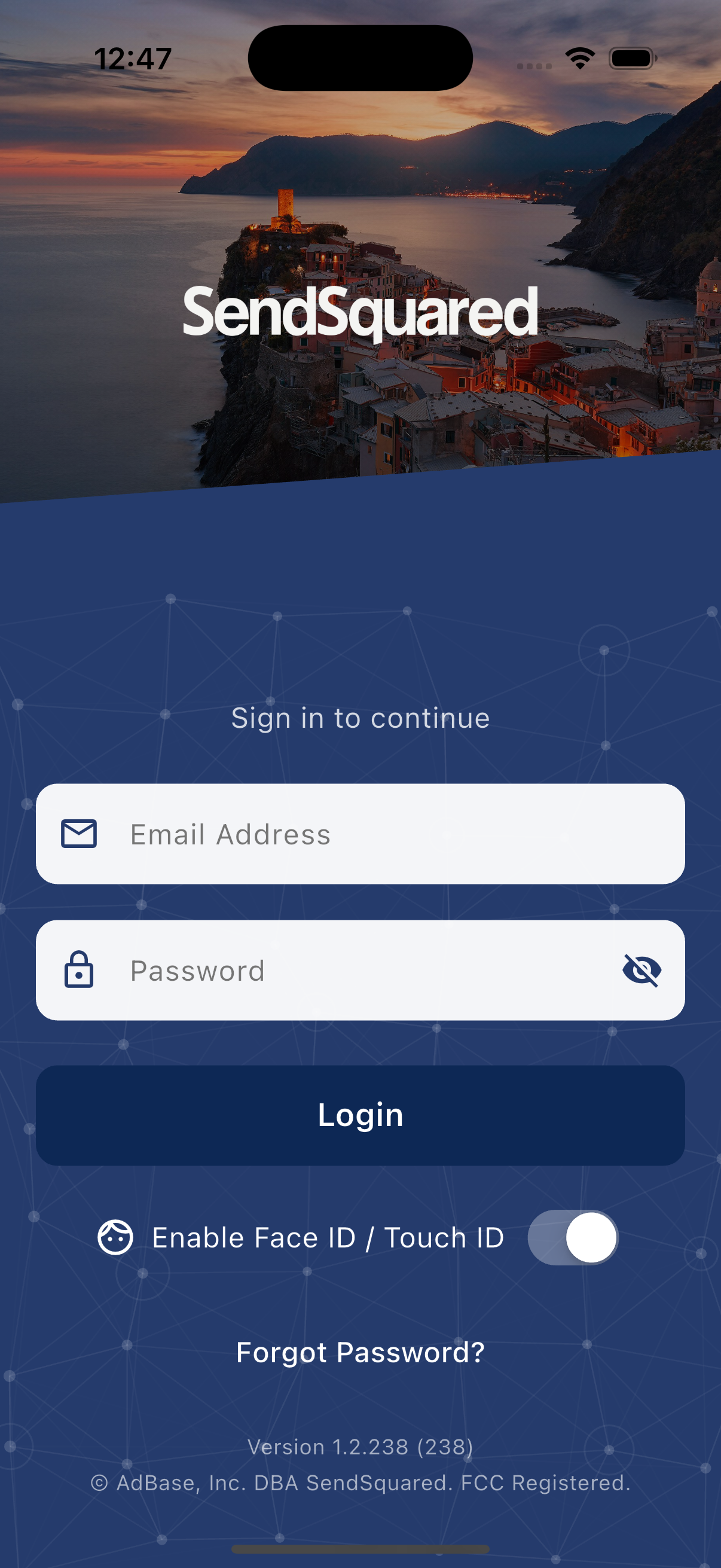
- Open the SendSquared mobile app
- Enter your email and password (same credentials as the web dashboard)
- Enable biometric login (Face ID/Touch ID or fingerprint) for faster access
App Navigation
The mobile app uses a navigation drawer to access all features. Tap the menu icon or swipe from the left edge to open the drawer.
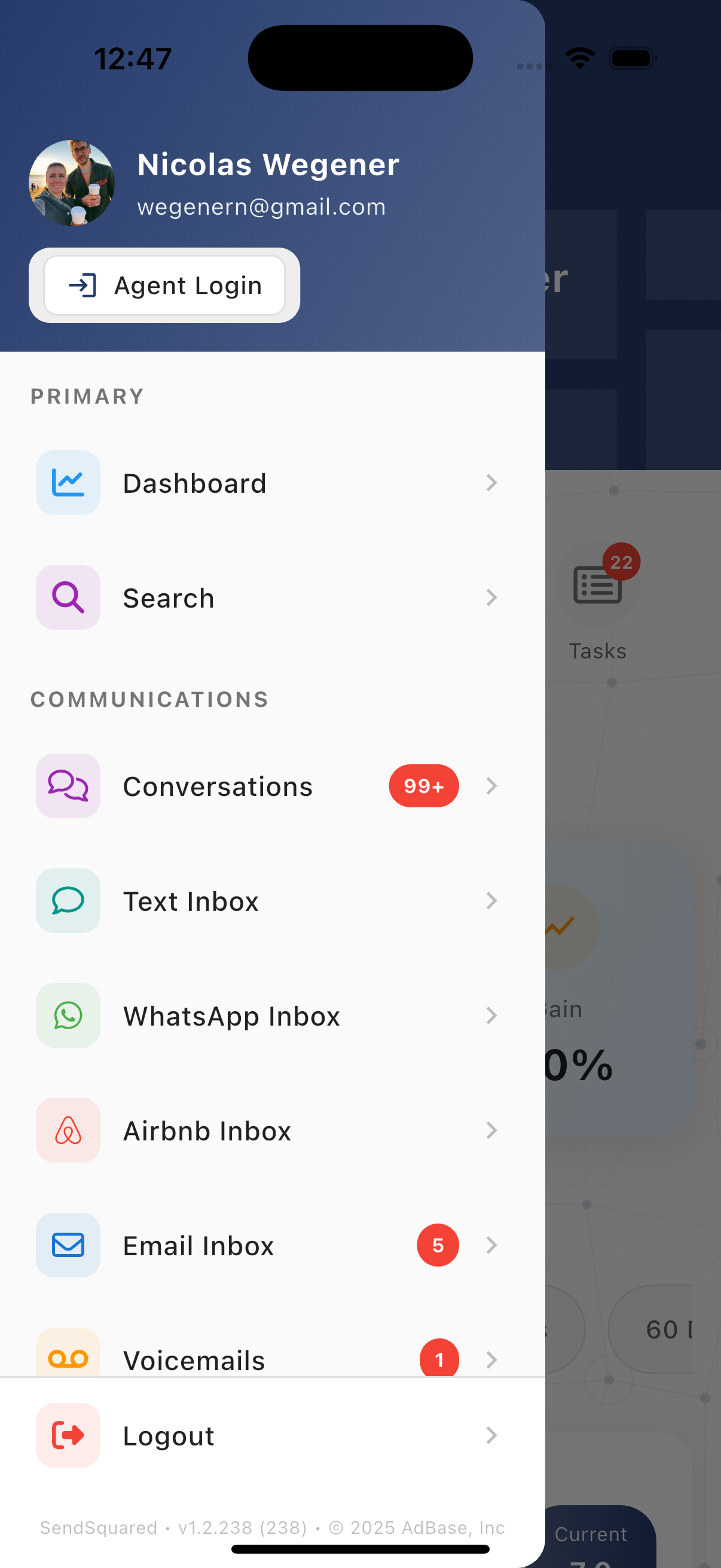
Primary
- Dashboard - View analytics and key metrics
- Search - Find contacts, leads, and conversations
Communications
- Conversations - Unified inbox across all channels
- Text Inbox - SMS messaging
- WhatsApp Inbox - WhatsApp Business messaging
- Airbnb Inbox - Airbnb guest messaging
- Email Inbox - Email management
- Voicemails - Voicemail playback and management
Management
- Contacts - Contact database and profiles
- Call Log - Call history (agents only)
- Leads - Lead pipeline and management
- Pipeline - Visual pipeline view
- Reservations - Property reservations
- Tasks - Task management
Agent Tools
- Wrap Ups - Call dispositions
- Agent Status - Team monitoring (admins only)
System
- Settings - App preferences
- Help & Tutorials - In-app guidance
- Feedback - Send feedback
- Logout - Sign out
What's in This Guide
This documentation covers all features available in the SendSquared mobile app:
| Section | Description |
|---|---|
| Dashboard | Analytics, metrics, and performance tracking |
| Search | Global search across all data |
| Conversations | Unified multi-channel messaging (SMS, Email, WhatsApp, Airbnb) |
| Inbox | Channel-specific inboxes |
| Contacts | Contact profiles and management |
| Leads | Lead management and pipeline |
| Tasks | Task management and follow-ups |
| Notifications | Push notification configuration |
| Reservations | Property reservation management |
| Dispositions | Call wrap-ups and outcome tracking |
| Agent Monitoring | Team status and call monitoring |
| Settings | Account and app preferences |
| Troubleshooting | Common issues and solutions |
Mobile vs Web App
The mobile app provides access to the most commonly used features while you're on the go. For advanced features like automation setup, campaign creation, and detailed reporting, use the web dashboard.
| Feature | Mobile | Web |
|---|---|---|
| Dashboard & Analytics | ✓ | ✓ |
| Conversations | ✓ | ✓ |
| Inbox (SMS, Email, WhatsApp) | ✓ | ✓ |
| Voice Calls (Twilio) | ✓ | ✓ |
| Voicemail Management | ✓ | ✓ |
| Contact Management | ✓ | ✓ |
| Lead Management | ✓ | ✓ |
| Task Management | ✓ | ✓ |
| Reservations | ✓ | ✓ |
| Dispositions | ✓ | ✓ |
| Agent Monitoring | ✓ | ✓ |
| Push Notifications | ✓ | - |
| Automation Setup | - | ✓ |
| Campaign Creation | - | ✓ |
| Advanced Reporting | - | ✓ |
| Admin Settings | - | ✓ |
Permissions
Feature availability depends on your user role and permissions:
- Standard Users - Contacts, conversations, messaging
- Agents - Voice calls, call logs, dispositions
- Mobile Agents - Twilio voice integration
- Agent Admins - Agent monitoring, team management
- Admins - Full access including configuration