Contact Info Tab
The Info tab provides a comprehensive view of contact details, activity metrics, communication preferences, and tags.
Personal Information
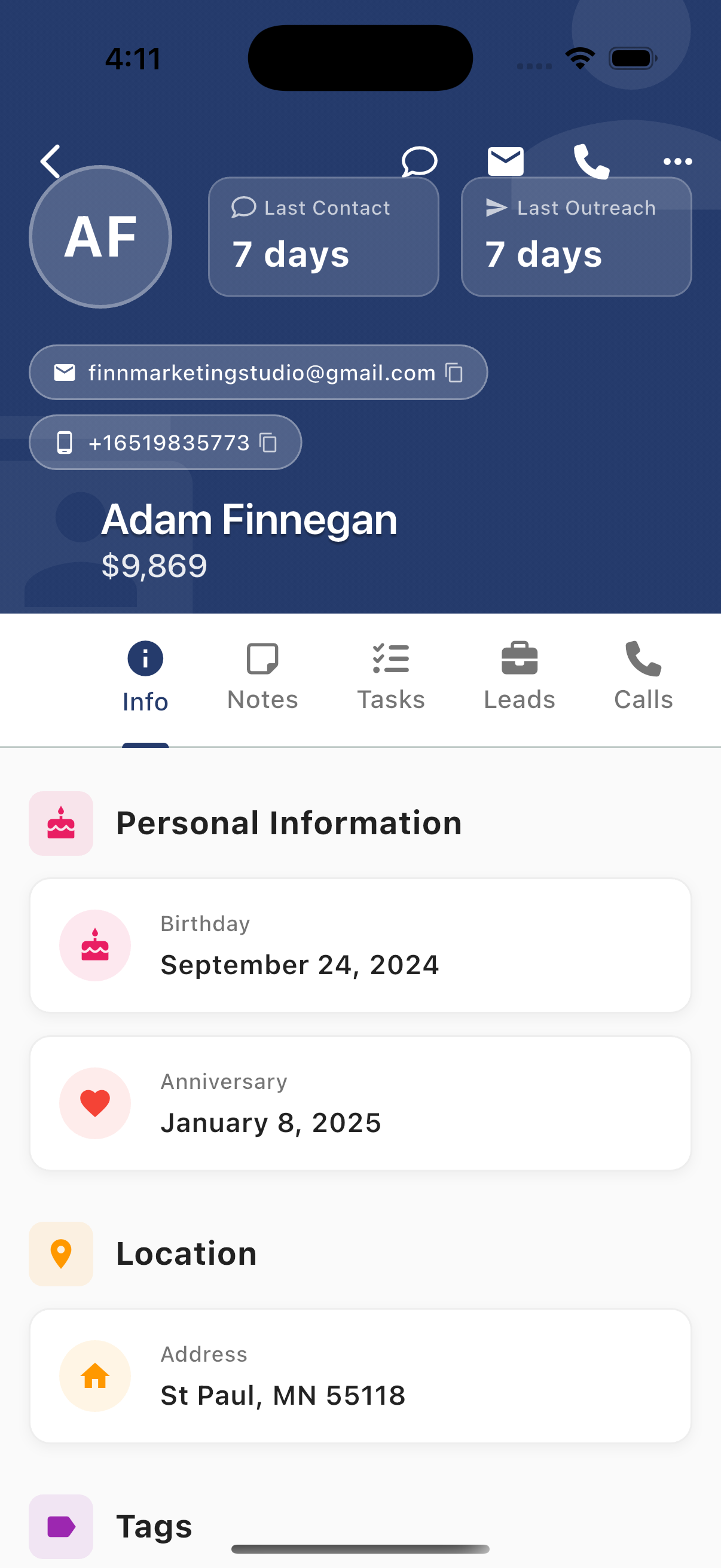
View personal details:
- Birthday - Contact's birthday (useful for personalized outreach)
- Anniversary - Special dates to remember
- Location/Address - Physical address
Activity Metrics
The Info tab displays detailed activity metrics across all communication channels.
SMS Activity
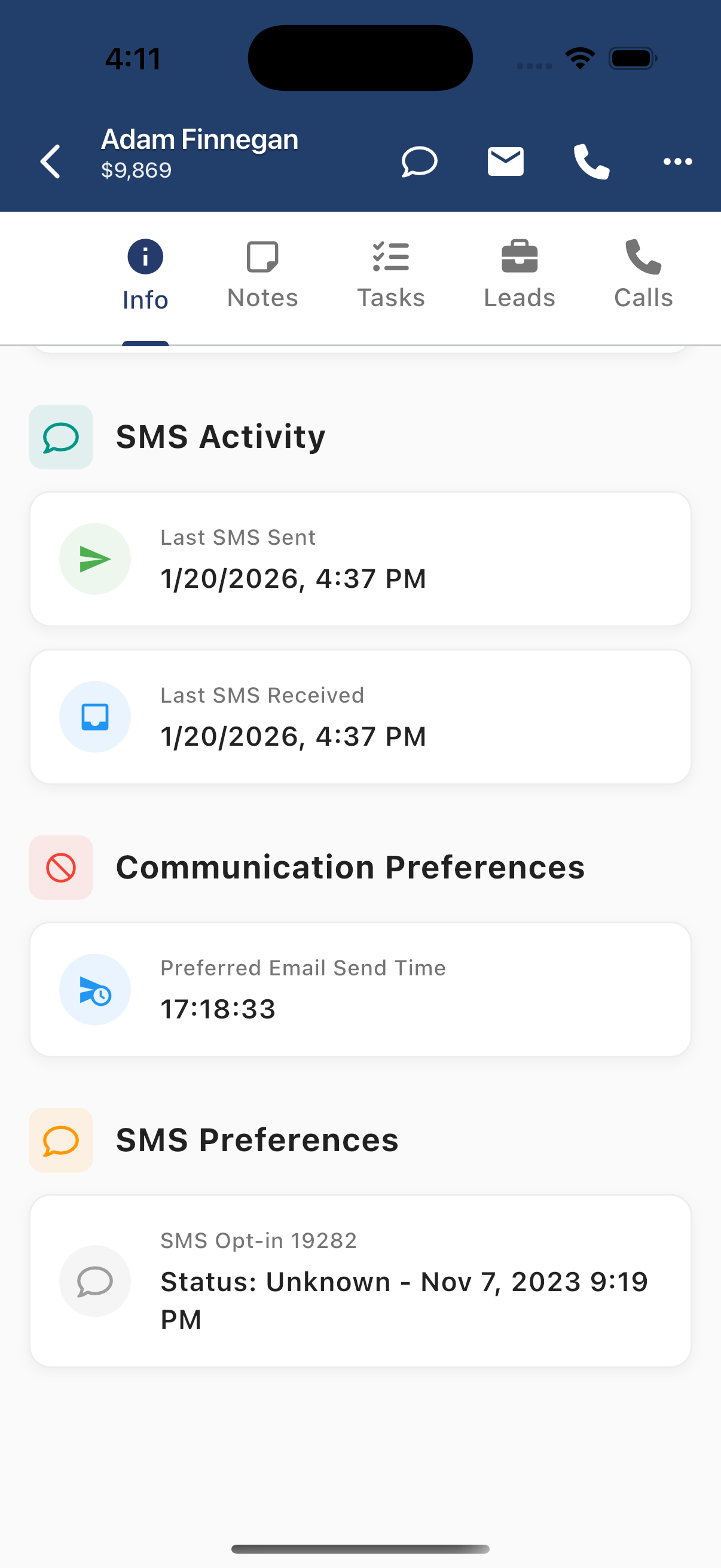
| Metric | Description |
|---|---|
| Last SMS Sent | When you last texted this contact |
| Last SMS Received | When they last replied |
Communication Preferences
- Preferred Email Send Time - Optimal time to send emails based on engagement
SMS Preferences
- SMS Opt-in Status - Whether the contact has opted in to receive SMS
- Opt-in Date - When they opted in
Email Activity
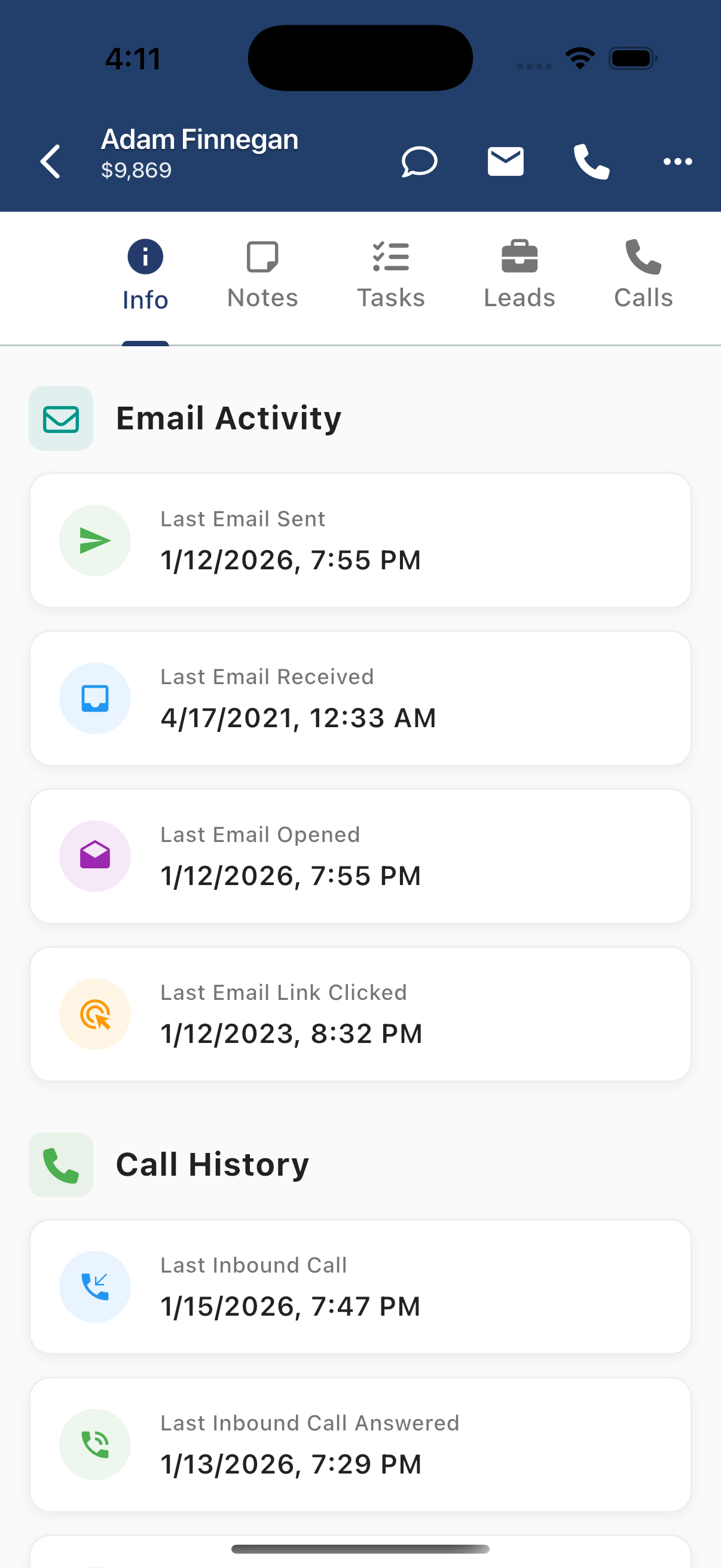
| Metric | Description |
|---|---|
| Last Email Sent | When you last emailed this contact |
| Last Email Received | When they last replied |
| Last Email Opened | Last open timestamp (email engagement) |
| Last Email Link Clicked | When they clicked a link (high engagement indicator) |
Call History
| Metric | Description |
|---|---|
| Last Inbound Call | When they last called you |
| Last Inbound Call Answered | Last call you picked up |
Tags
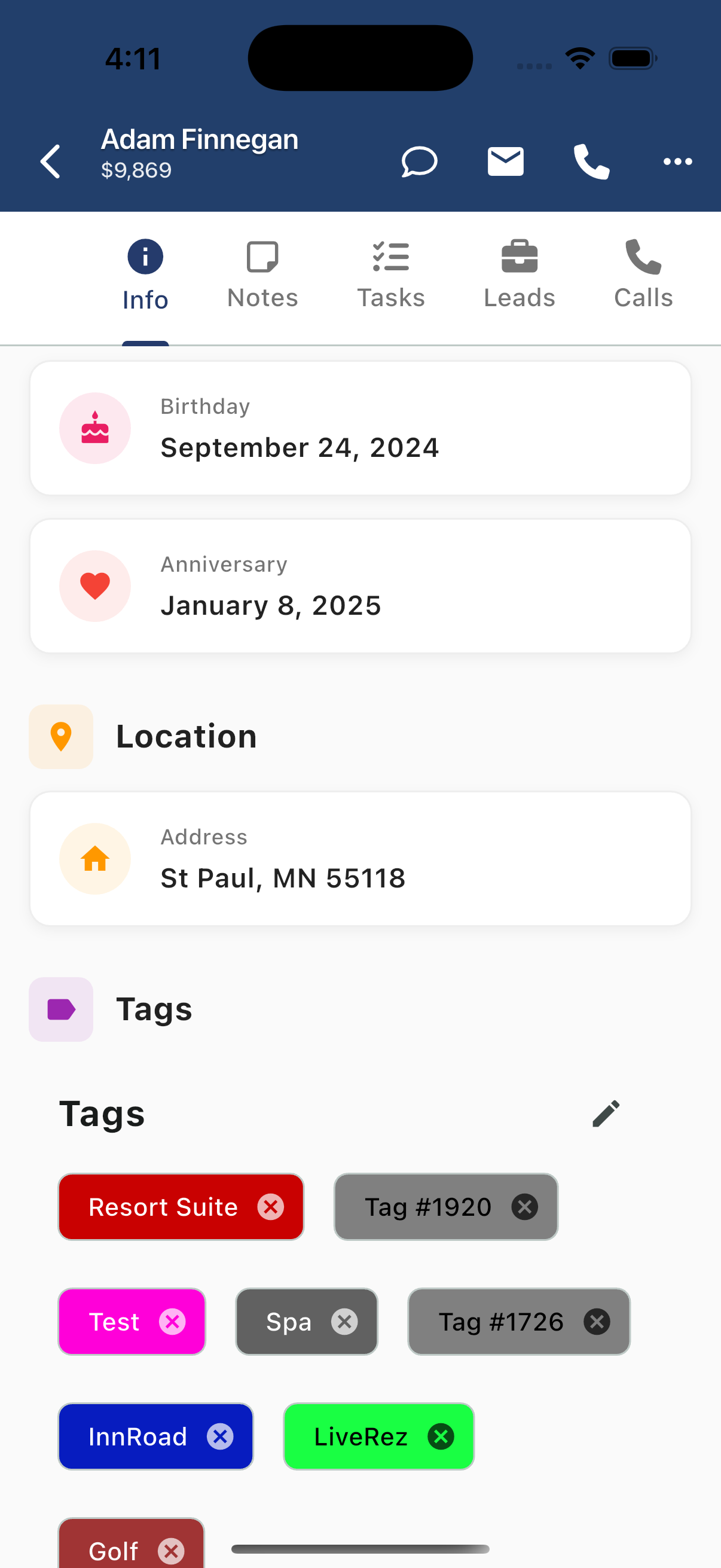
Tags help organize and segment contacts. Tags are color-coded for quick visual identification.
Viewing Tags
Tags appear as colored pills showing:
- Tag name
- X button to remove (when editing)
Managing Tags
- Tap the edit icon (pencil) next to Tags
- Add new tags or remove existing ones
- Tags sync across web and mobile
Common Tag Uses
- Guest type - VIP, Repeat Guest, First-time
- Property preferences - Beach, Mountain, Pet-friendly
- Source - Direct, Airbnb, VRBO
- Status - Active, Inactive, Do Not Contact
- Integrations - InnRoad, LiveRez, etc.
Using Info for Personalization
The Info tab helps you personalize communication:
- Check Birthday/Anniversary before outreach for personal touches
- Review SMS Opt-in status before texting
- Use Last Email Opened to gauge engagement
- Reference Tags to understand guest preferences
- Check Preferred Email Send Time for optimal delivery