Contact Activity
Track all activity related to a contact including internal notes, tasks, leads, and reservations.
Notes Tab
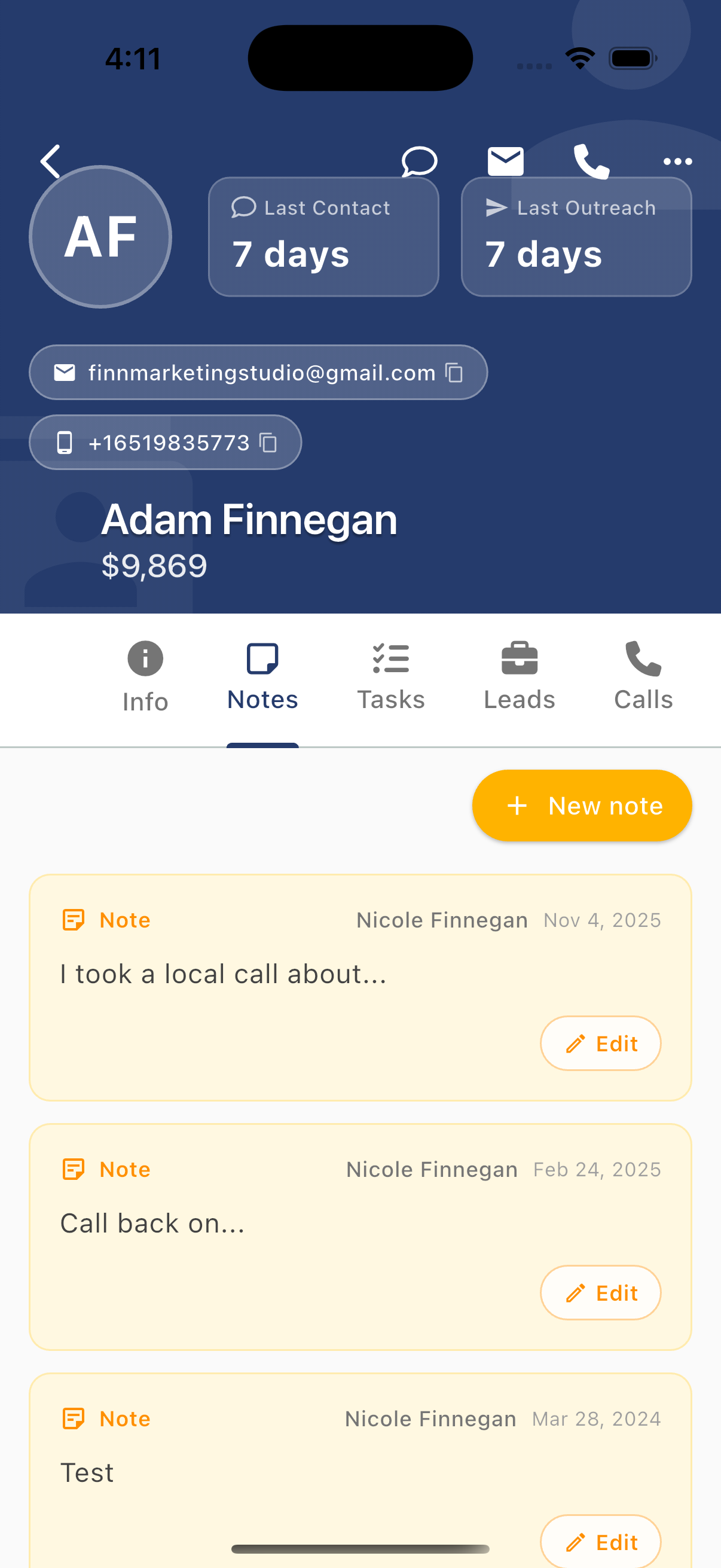
Internal notes help your team share important information about a contact.
Viewing Notes
Notes display as yellow cards showing:
- Note label (pink)
- Author - Who wrote the note
- Date - When it was created
- Content - The note text
- Edit button - Modify the note
Adding Notes
Tap + New note to create a note:
- Enter your note text
- Tap Save
Notes are:
- Visible to your entire team
- Never sent to the contact
- Permanently attached to the contact profile
- Searchable
Best Uses for Notes
- Guest preferences (early check-in, dietary restrictions)
- Special requests or accommodations
- Issue history and resolutions
- Handoff information between team members
- Important context for future interactions
Tasks Tab
View and manage tasks linked to this contact. See Tasks View for full task documentation.
Tasks connected to a contact:
- Show in the contact's Tasks tab
- Include full task details (due date, priority, assignee)
- Can be marked complete directly from the contact
Creating Contact Tasks
- Tap + to create a new task
- Task is automatically linked to this contact
- Set due date, priority, and assignee
Leads Tab
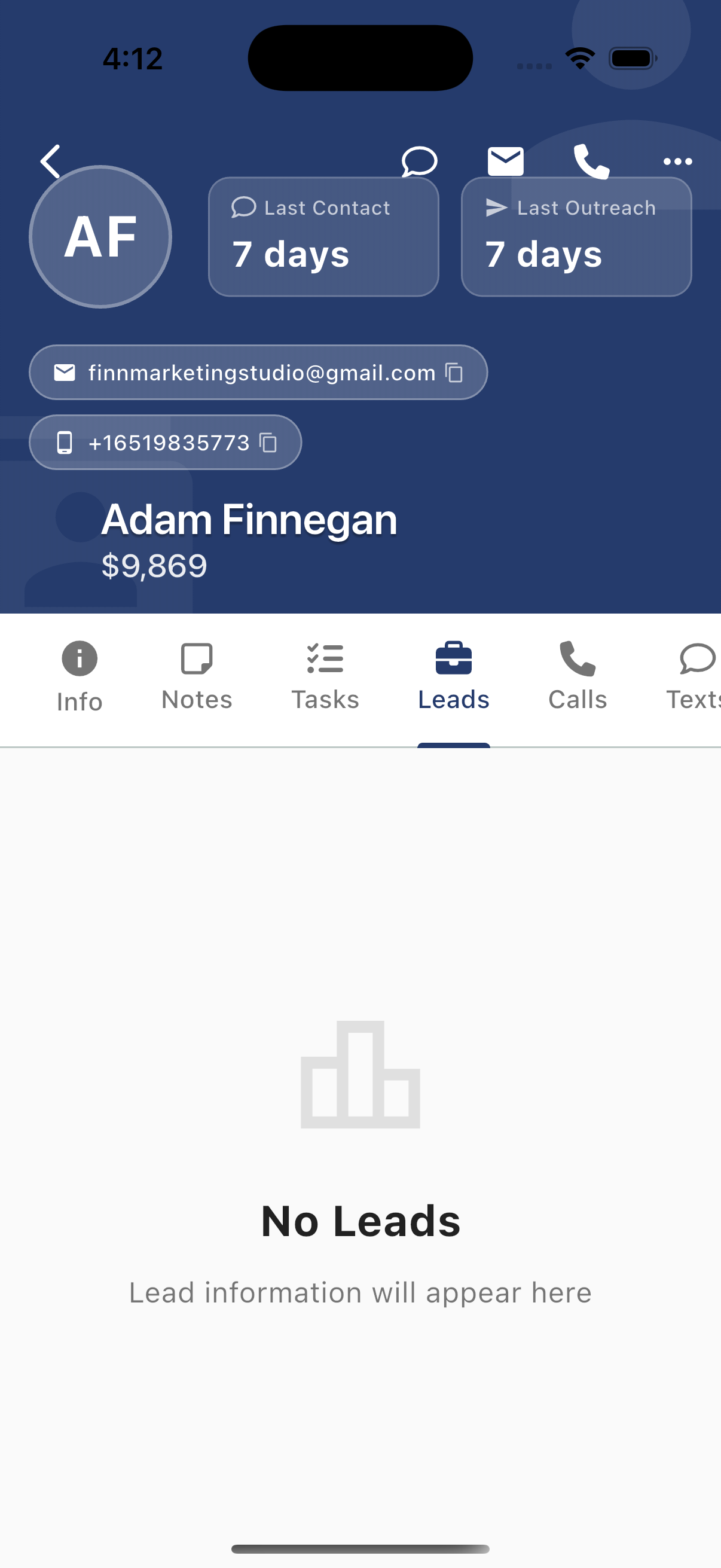
View sales leads associated with this contact.
Lead Information
When leads exist, you'll see:
- Lead name/title
- Lead status
- Creation date
- Assigned agent
Empty State
If no leads exist, you'll see "No Leads - Lead information will appear here"
Creating Leads
Create a lead from:
- The Leads tab + button
- Message actions (long-press a message → Create Lead)
- The contact's More menu
Reservations Tab
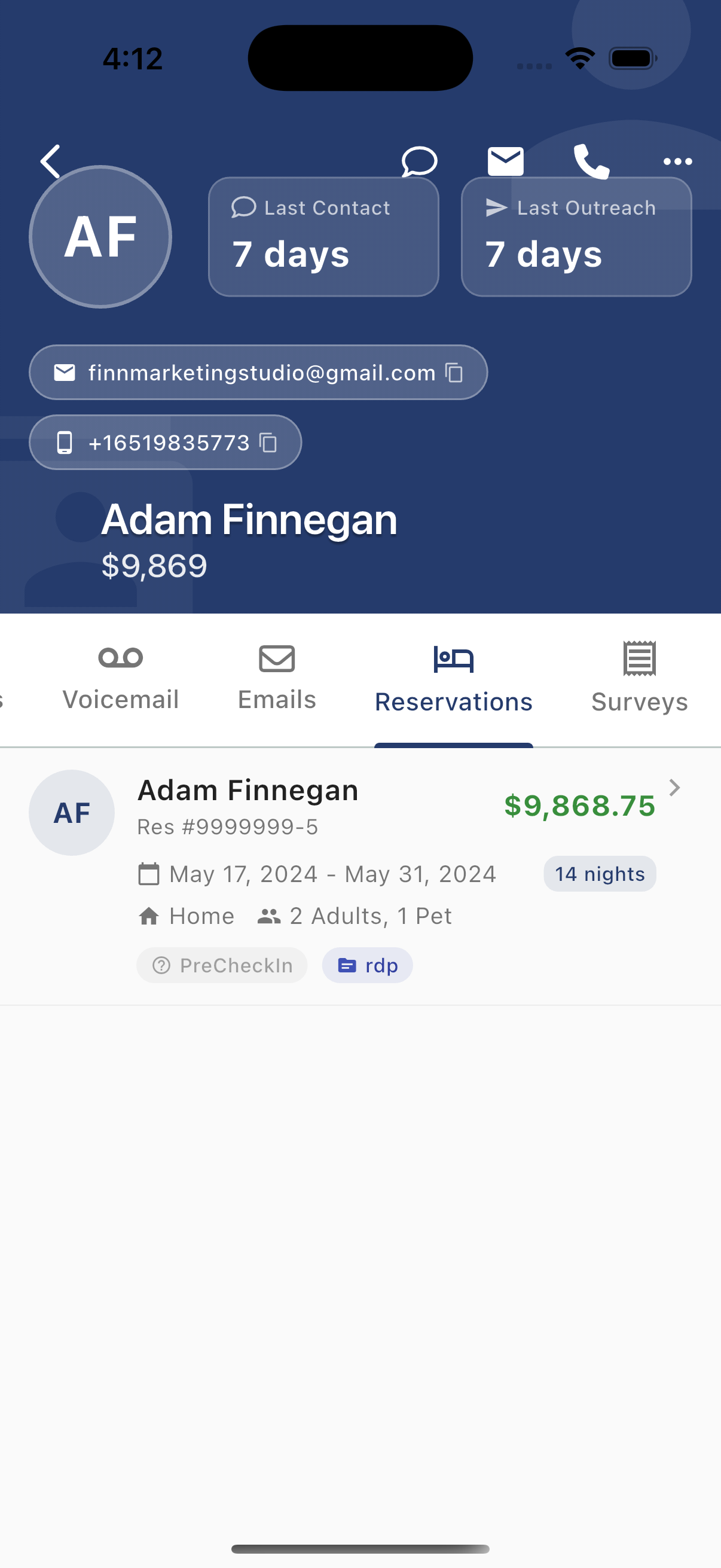
View all booking history for this contact.
Reservation Cards
Each reservation shows:
- Contact name and reservation number
- Total value (e.g., $9,868.75)
- Dates - Check-in and check-out
- Duration - Number of nights
- Property - Which unit/property
- Guests - Number of adults, children, pets
- Status tags:
PreCheckIn- Upcoming reservationrdp,Airbnb, etc. - Booking source
Reservation Actions
Tap a reservation to:
- View full details
- See payment breakdown
- Access linked conversations
Surveys Tab
View survey responses from this contact:
- Guest satisfaction surveys
- Post-stay feedback
- NPS scores
- Custom survey responses
The Complete Picture
The Activity tabs give you full context on every contact:
| Tab | What It Shows | Why It Matters |
|---|---|---|
| Notes | Team knowledge | Know guest preferences instantly |
| Tasks | Action items | Never miss a follow-up |
| Leads | Sales pipeline | Track conversion opportunities |
| Reservations | Booking history | Understand guest value and patterns |
| Surveys | Feedback | Know satisfaction levels |
This 360° view ensures every team member has the context they need to provide excellent service.