SMS Volume Stats By Day Report
The SMS Volume Stats By Day report provides a daily breakdown of SMS messaging activity. Each row represents one day, showing message counts and segment counts broken down by direction and source.
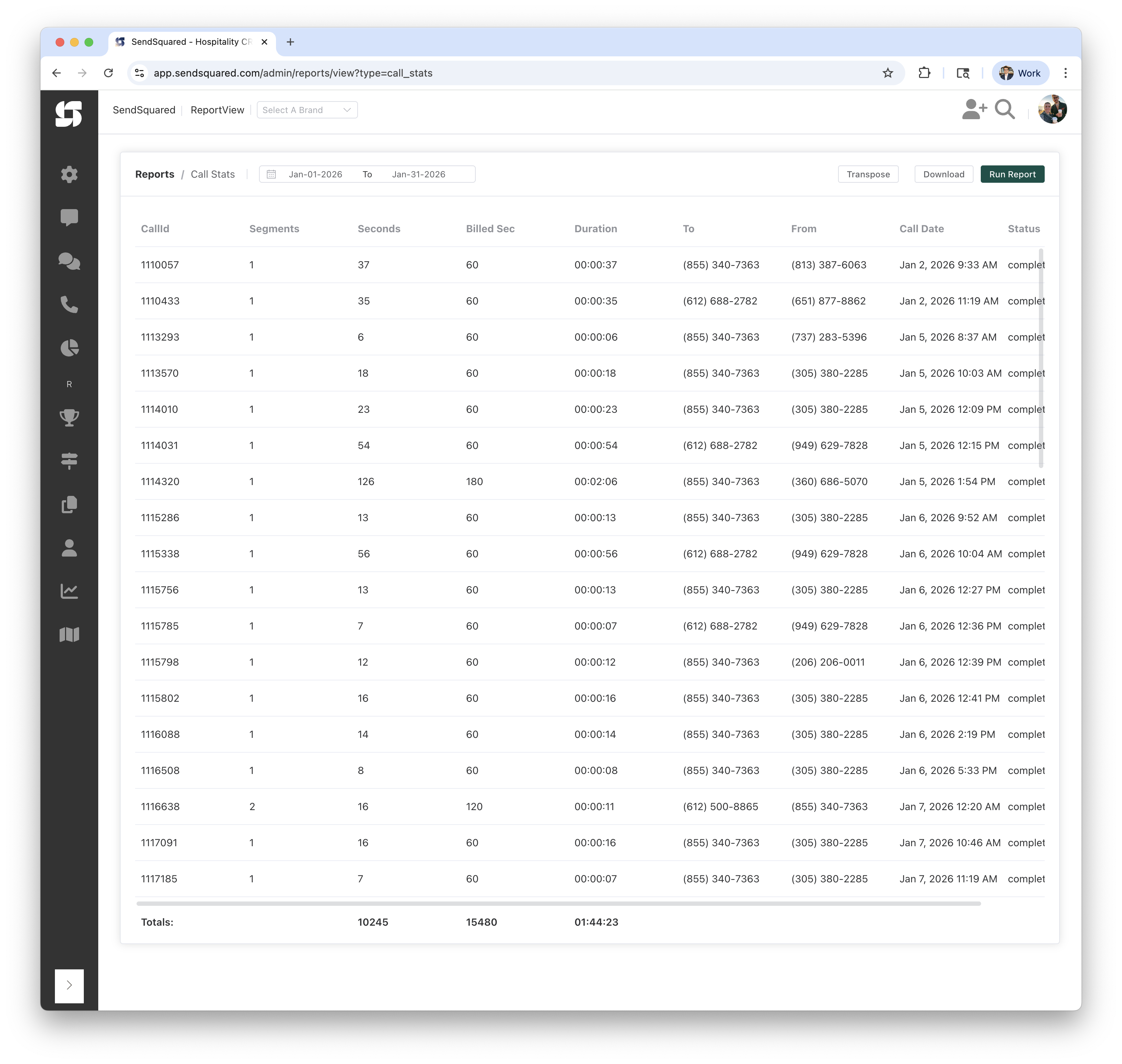
Report Columns
| Column | Description |
|---|---|
| Date | The calendar date |
| Total Messages | Total count of all SMS messages on that day |
| Total Segments | Total number of message segments on that day |
| Inbound | Number of inbound (customer-sent) messages |
| Inbound Segments | Total segments from inbound messages |
| Outbound | Number of outbound messages sent from the system |
| Outbound Segments | Total segments from outbound messages |
| Agent Outbound | Number of outbound messages sent manually by an agent |
| Agent Outbound Segments | Total segments from agent-sent outbound messages |
| Campaign Outbound | Number of outbound messages sent by automated campaigns |
| Campaign Outbound Segments | Total segments from campaign-sent outbound messages |
| Outbound Errors | Number of outbound messages that had a delivery error |
How the Numbers Are Computed
All columns are computed identically to the SMS Volume Stats report, with the difference being that data is grouped by day instead of shown as a single total.
Timezone Handling
Message timestamps are converted to your selected timezone before grouping by day. This ensures messages sent late at night are attributed to the correct local date.
Totals Row
The Totals row at the bottom sums all columns across all days.
Report Filters
Date Range
- From/To: Select the date range for messages to analyze
- Example: Jan-01-2026 to Jan-31-2026
Timezone
- Purpose: Determines how messages are grouped into days
- Options: Select from available timezones (e.g., Central, Eastern, Pacific)
Understanding the Results
Example Rows
| Date | Total Messages | Total Segments | Inbound | Inbound Segments | Outbound | Outbound Segments | Agent Outbound | Agent Outbound Segments |
|---|---|---|---|---|---|---|---|---|
| Jan 6, 2026 | 13 | 15 | 7 | 8 | 6 | 7 | 4 | 5 |
| Jan 8, 2026 | 11 | 12 | 6 | 7 | 5 | 5 | 5 | 5 |
This shows:
- Jan 6th had 13 messages (15 segments): 7 inbound and 6 outbound, of which 4 were sent by agents
- Jan 8th had 11 messages (12 segments): 6 inbound and 5 outbound, all 5 outbound sent by agents
Days With No Messages
Days with zero SMS activity within your date range will not appear in the report. Only days with at least one message are shown.
Use Cases
Volume Trends
- Track daily SMS volume to identify trends and patterns
- Spot unusual spikes that may indicate campaign launches or issues
- Compare weekday vs weekend messaging patterns
Campaign Monitoring
- See which days campaigns sent messages
- Track campaign outbound volume alongside agent volume
- Monitor error rates on campaign send days
Cost Tracking
- Track daily segment usage for cost estimation
- Identify days with high segment-to-message ratios (long messages)
- Budget SMS spend based on daily trends
Related Reports
- SMS Volume Stats: Overall SMS summary for the period
- SMS Volume Stats By Hour: Same metrics broken down by hour
- SMS Response Duration: Agent response time metrics for SMS