Channel Tabs
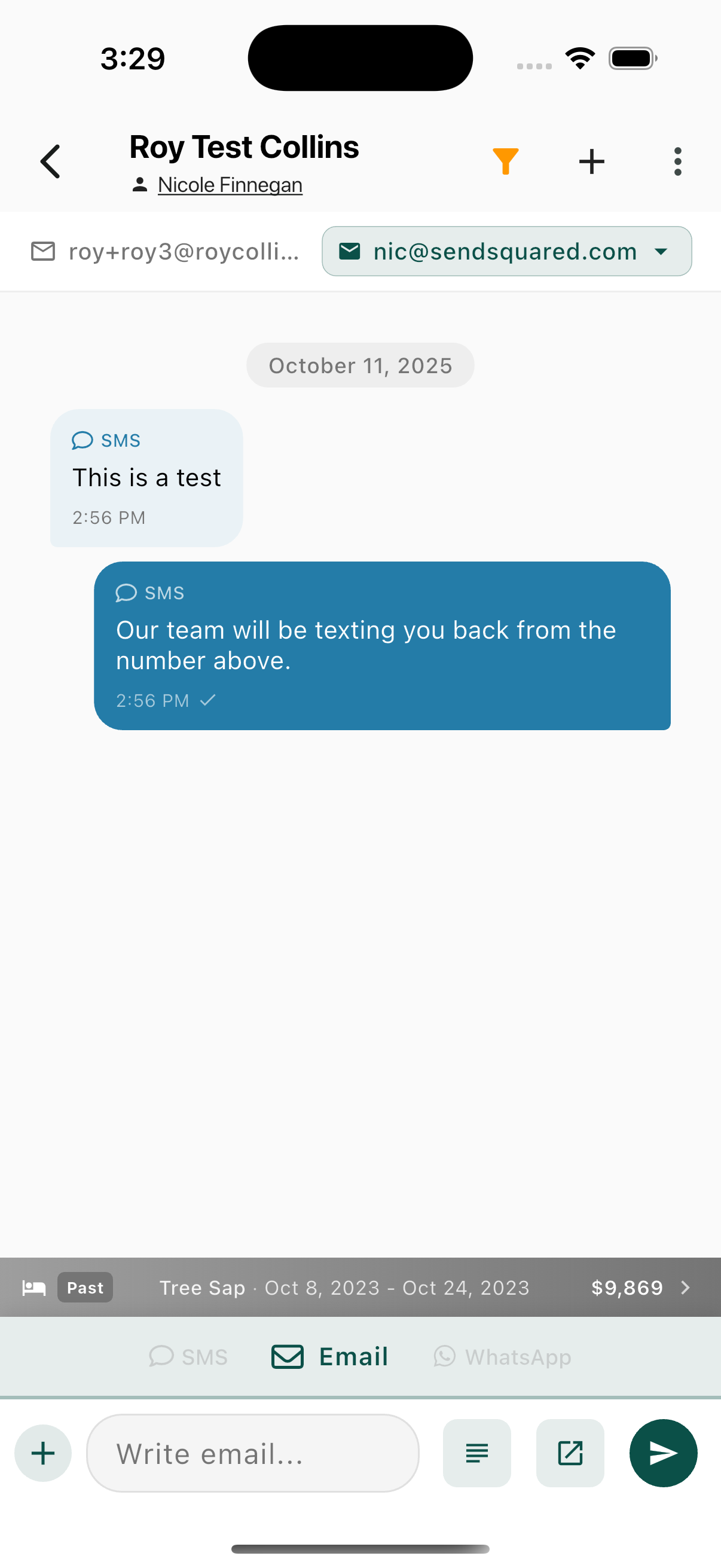
Switch between communication channels using the tabs above the input area:
SMS Tab
- Simple text input
- Plus button for attachments
- Send button
Email Tab
- Email compose field
- Template button (lines icon) - Insert email templates
- Expand button (square with arrow) - Open full email editor
- Send button
WhatsApp Tab
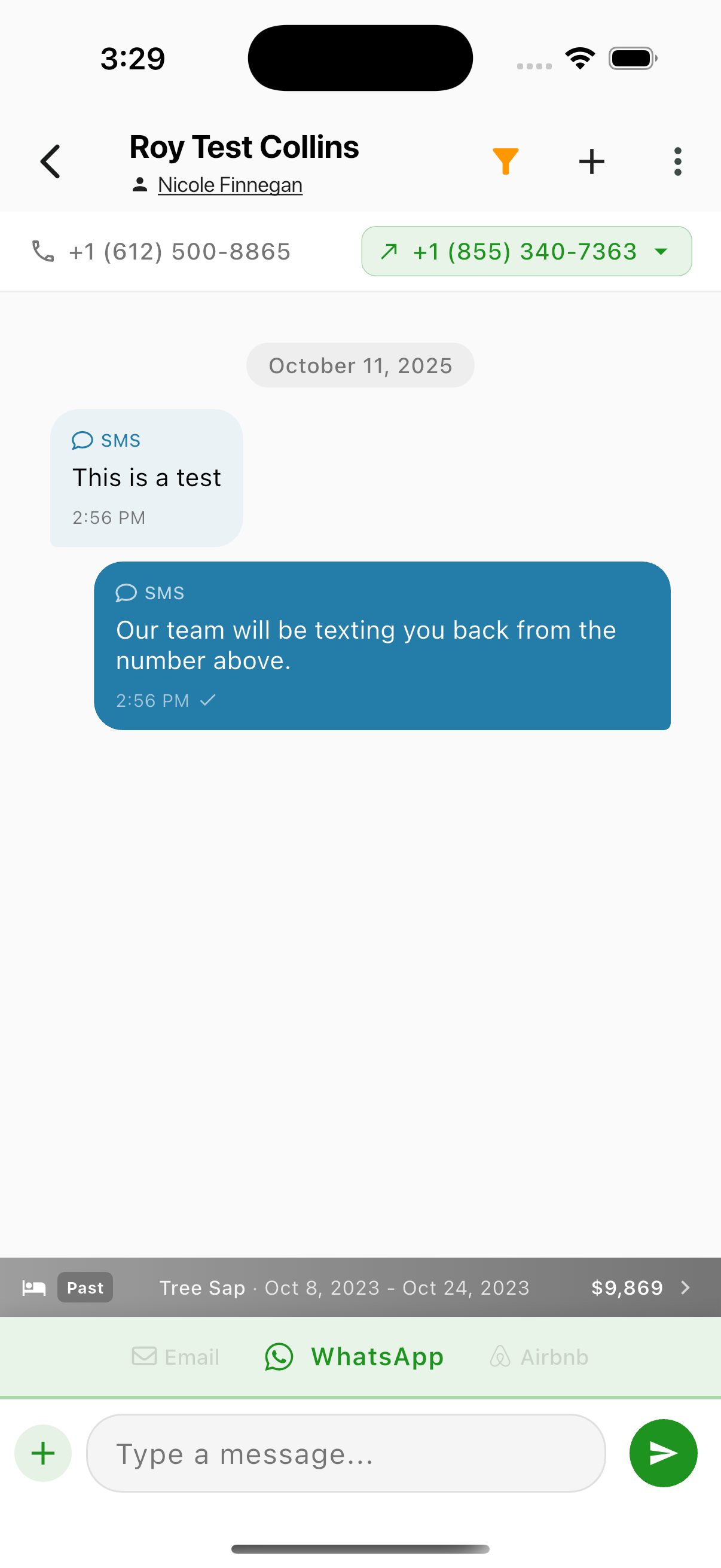
- Message input similar to SMS
- WhatsApp-specific features
Airbnb Tab
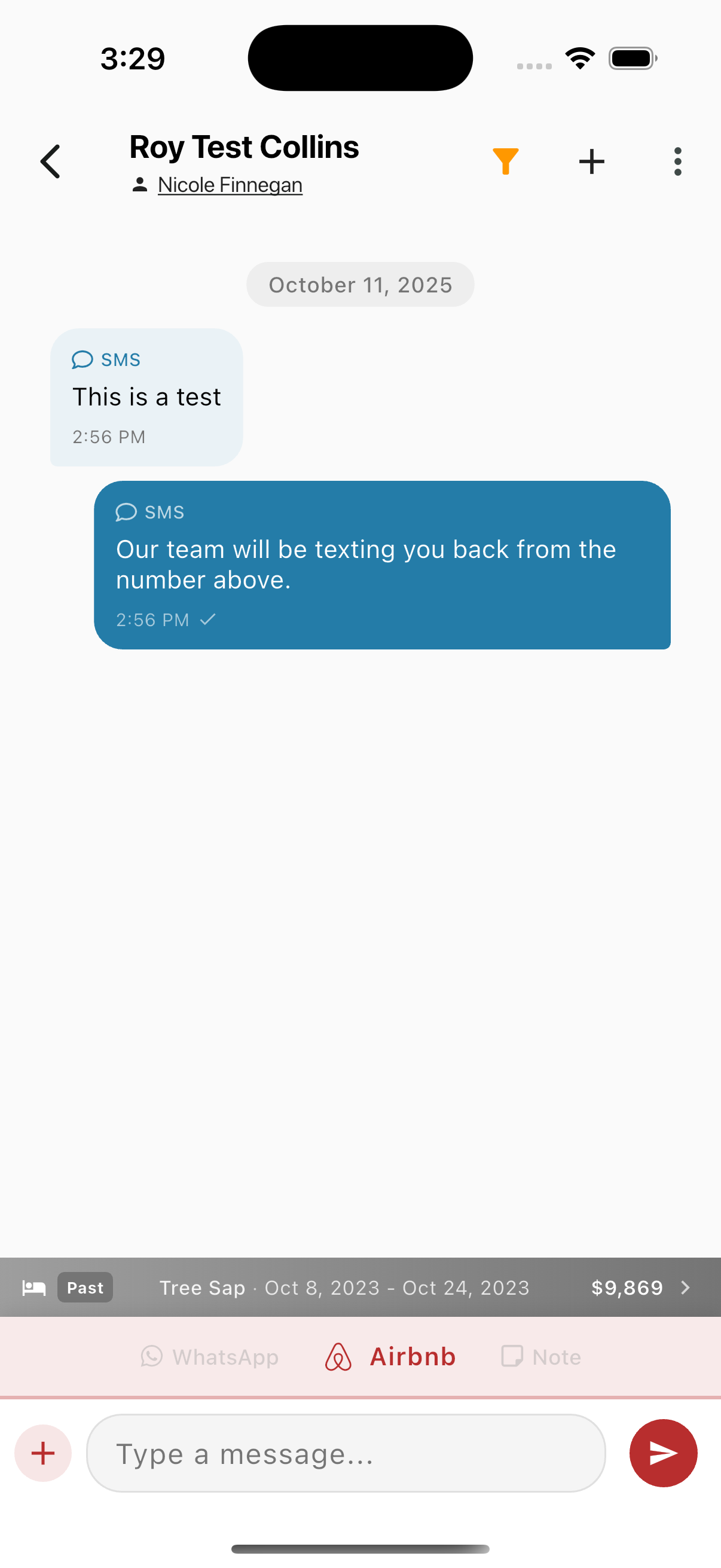
- Airbnb messaging (for connected Airbnb accounts)
Note Tab (Internal Notes)
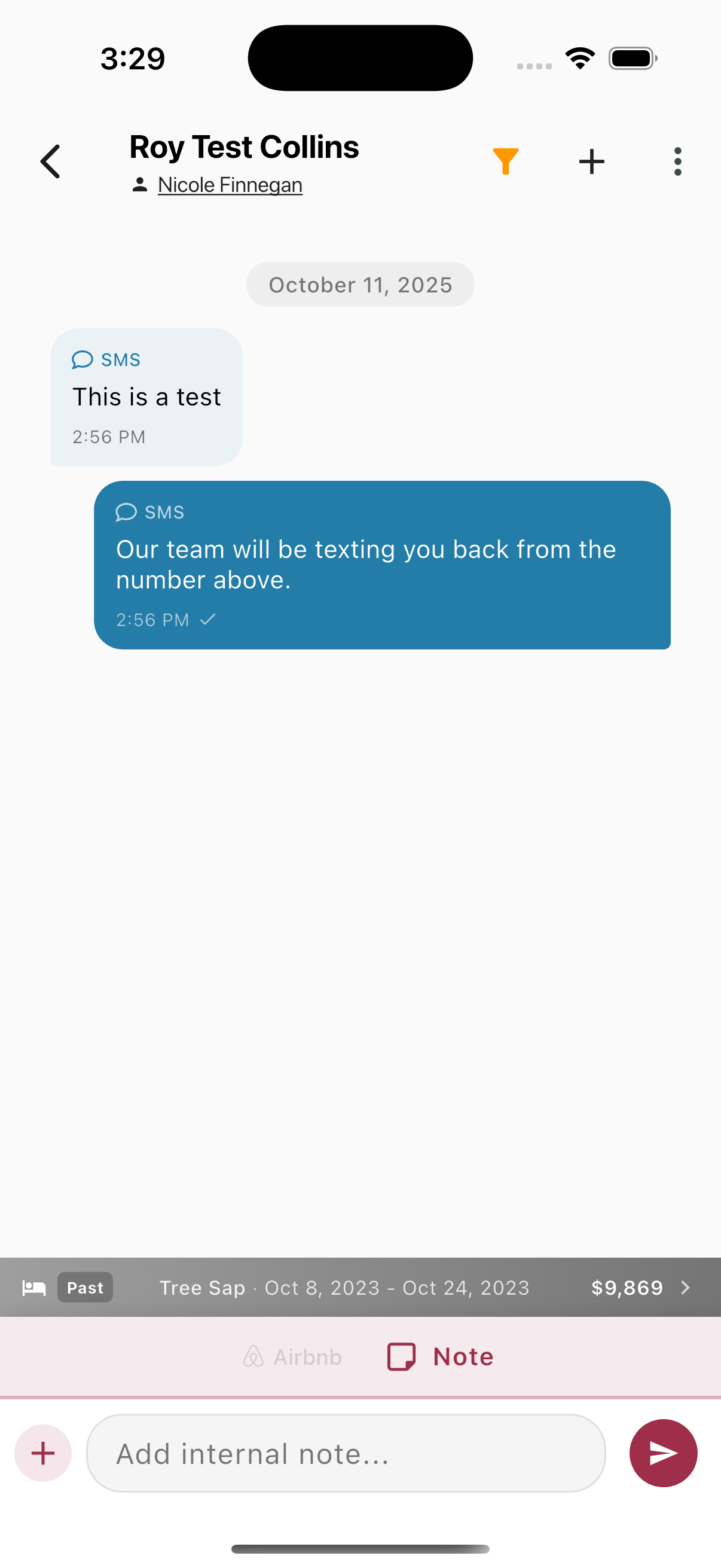
- Add internal notes visible only to your team
- Notes are NOT sent to the contact
- Pink/red theme indicates internal-only
- Camera icon - Attach images
- Lightning bolt icon - AI assistant
Sending Messages
- Select the appropriate channel tab (SMS, Email, WhatsApp, etc.)
- Type your message
- Tap the send button
For SMS and WhatsApp, messages send immediately. For Email, you can use templates or the full editor.
Selecting Send-From Identity
Tap the outbound number/email selector to choose which identity to send from:
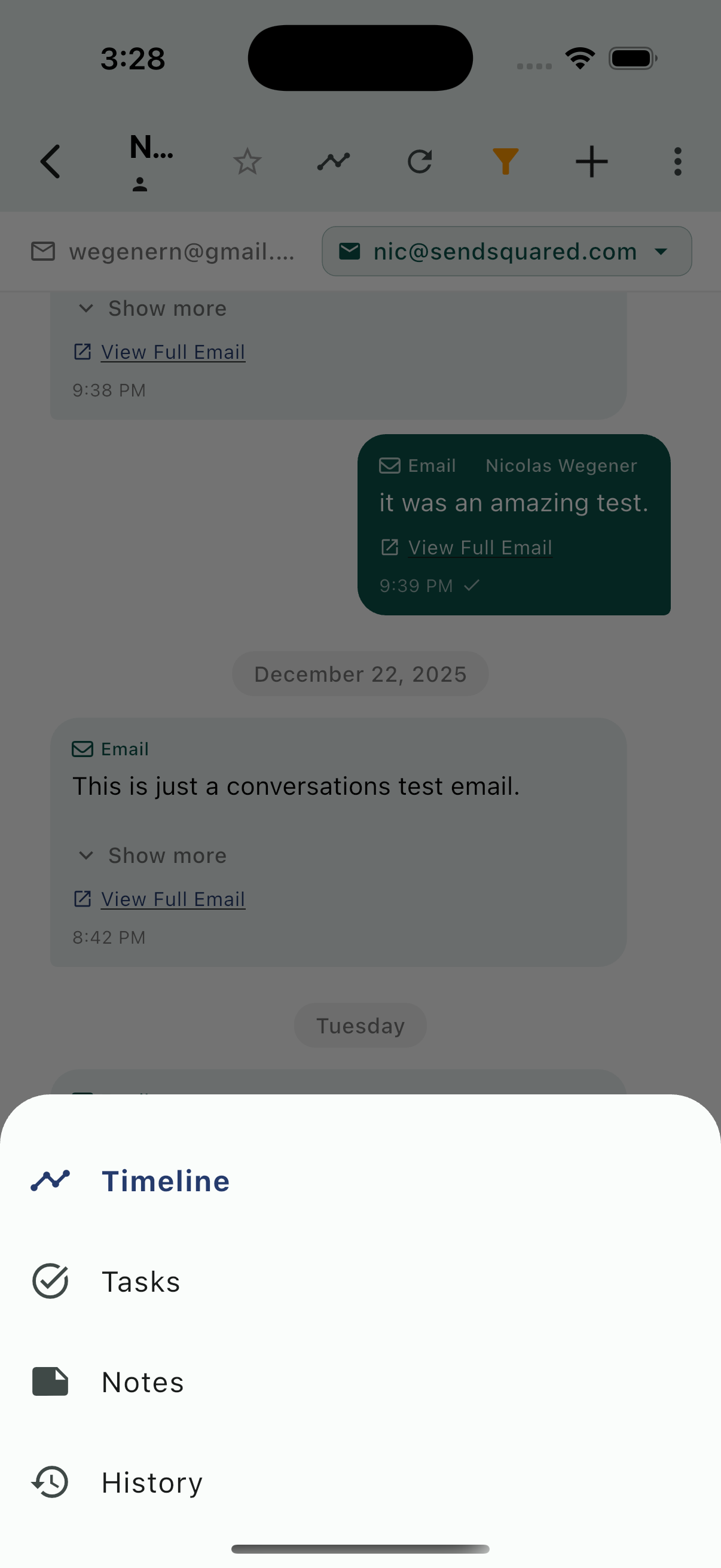
Select from your available:
- Phone numbers (for SMS)
- Email addresses (for Email)
- WhatsApp numbers (for WhatsApp)