Message Actions
Long-press on any message to reveal message-specific actions that help you manage follow-ups and capture important information.
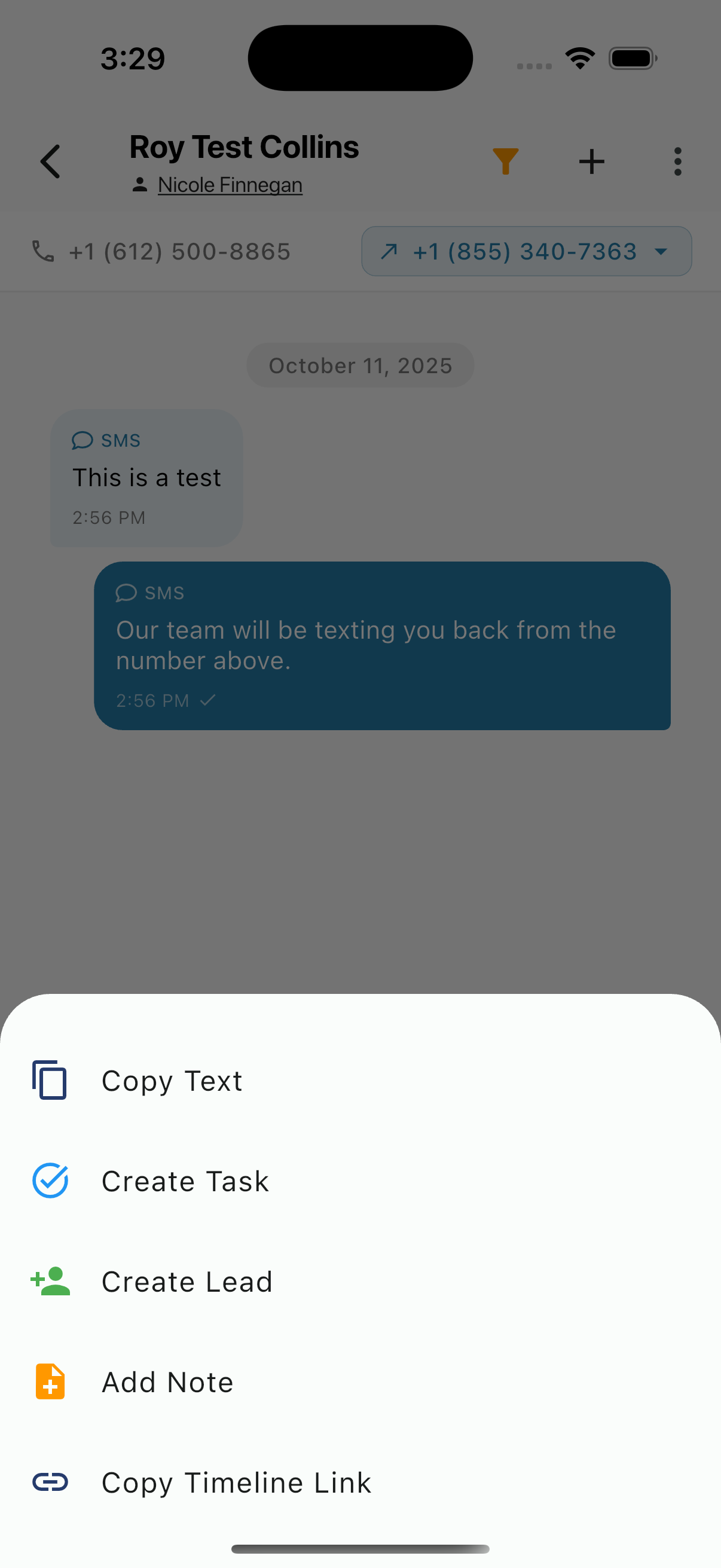
Copy Text
Copy the message content to your clipboard for use elsewhere.
Create Task
Create a follow-up task directly from the message:
- Task is linked to this contact
- Message content can be included as context
- Set due date and assignee
Use this when a message requires action that should be tracked.
Create Lead
Convert the conversation into a lead:
- Lead is linked to the contact
- Conversation context is preserved
- Set lead type and status
Use this when a guest shows interest in booking or additional services.
Add Note
Add an internal note related to this message:
- Note is attached to the contact's timeline
- Visible to team members only
- Good for adding context or reminders
Use this to capture important details like guest preferences or special requests.
Copy Timeline Link
Copy a direct link to this point in the timeline. Useful for:
- Sharing specific messages with team members
- Reference in other systems
- Documentation purposes
Email-Specific Features
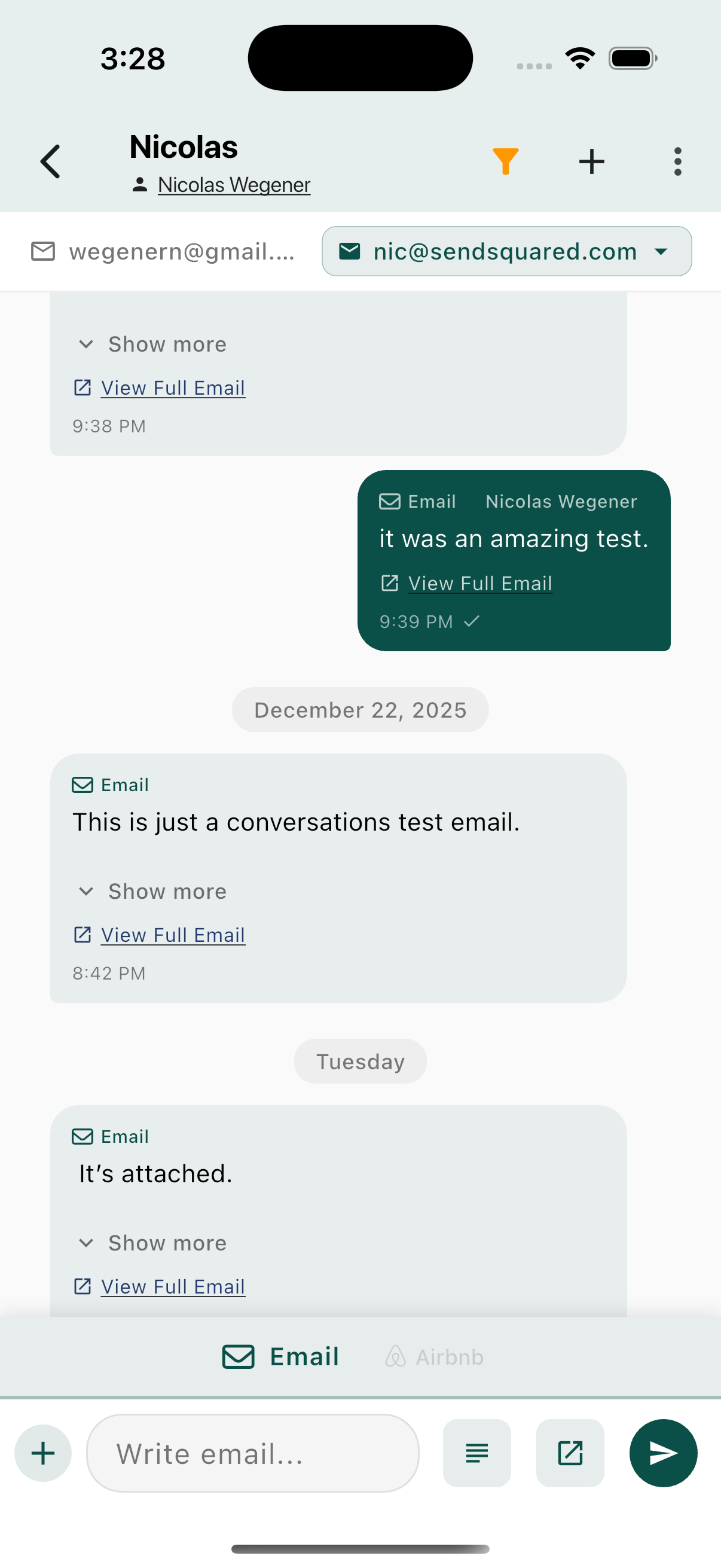
Email messages have additional options:
Show More
Expand to see the full email content if it's truncated.
View Full Email
Open the complete email in a full-screen view with:
- Complete formatting
- All attachments
- Full headers