History View
The History view shows an activity log of all actions taken on a contact or conversation. Use this to understand what happened and when.
Accessing History
Tap the view selector icon in the toolbar and select History:
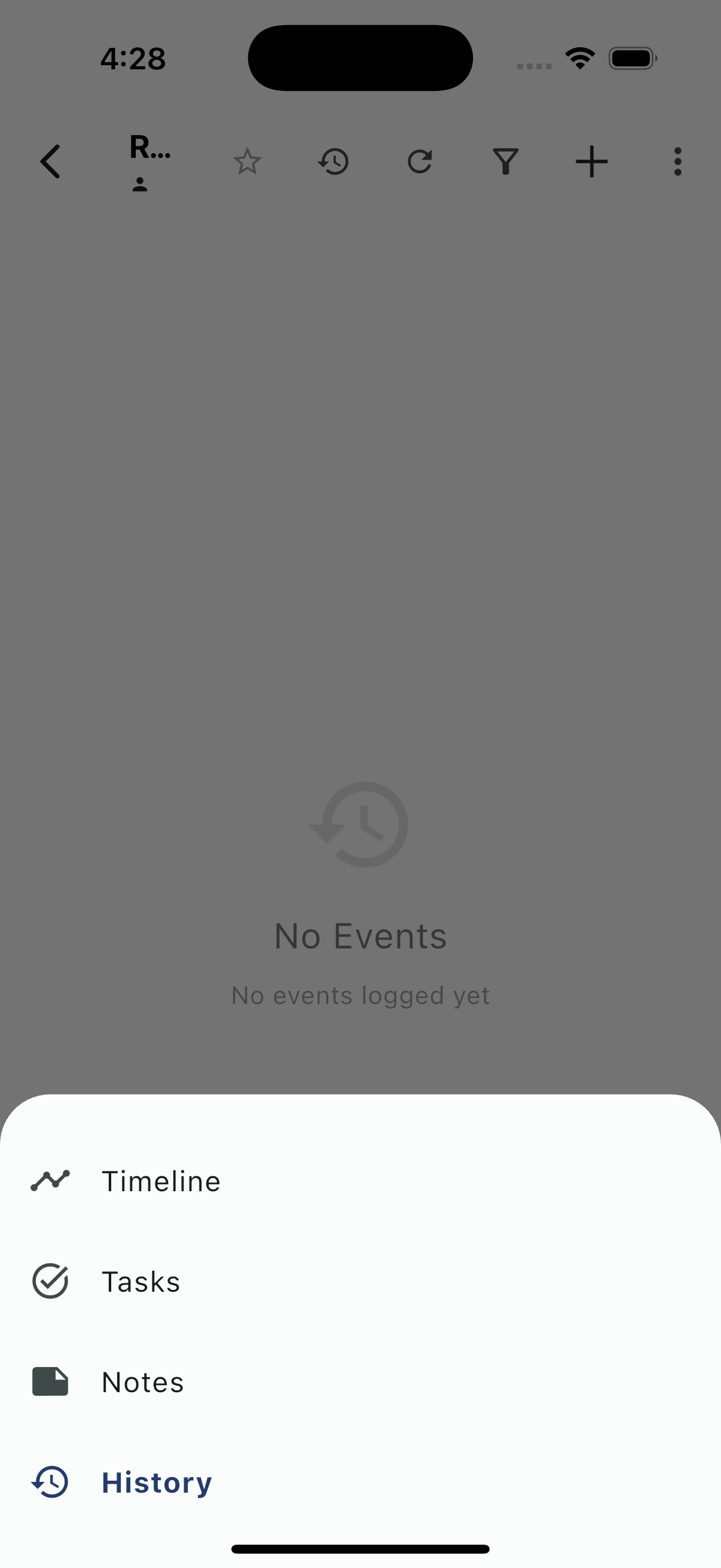
History Overview
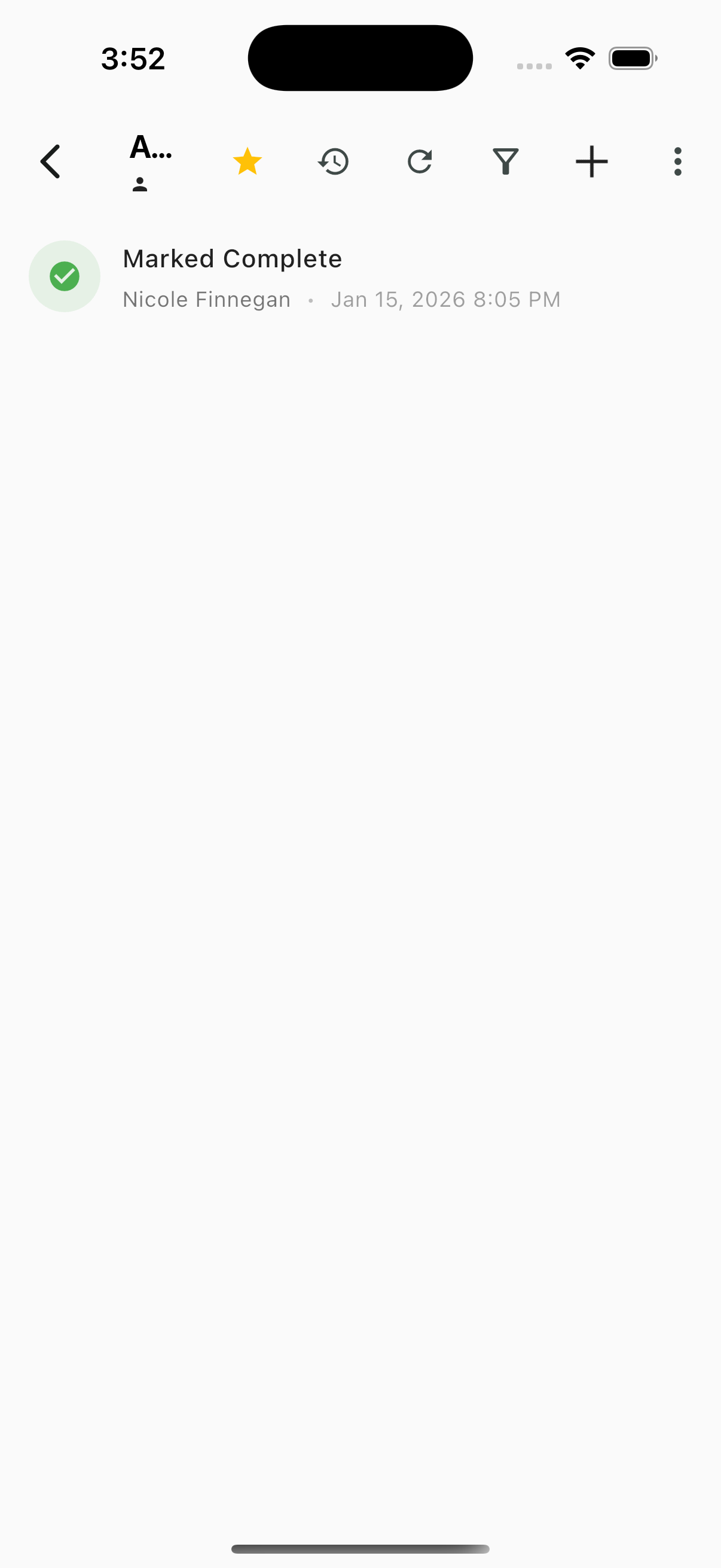
History Events
Events that appear in History include:
- Marked Complete - Conversation marked as complete
- Reopened - Conversation reopened (guest replied)
- Closed - Conversation permanently closed
- Assigned - Conversation assigned to team member
- Reassigned - Conversation moved to different owner
- Status changes - Lead status updates
- Priority changes - Priority set or changed
- Task completions - Tasks marked done
Event Details
Each entry shows:
- Event icon - Visual indicator of event type
- Event description - What happened
- User - Who performed the action
- Timestamp - When it occurred
Use Cases
Handoff Context
When taking over a conversation, check History to see:
- Who worked on it before
- What actions were taken
- When it was last active
Issue Investigation
When investigating a guest complaint:
- See when status changed
- Track who was responsible
- Understand the timeline of events
Reporting
History provides an audit trail for:
- Response time analysis
- Team performance review
- Guest interaction tracking