Reservation Banner
If the contact has reservations, a banner appears at the bottom of the message area:
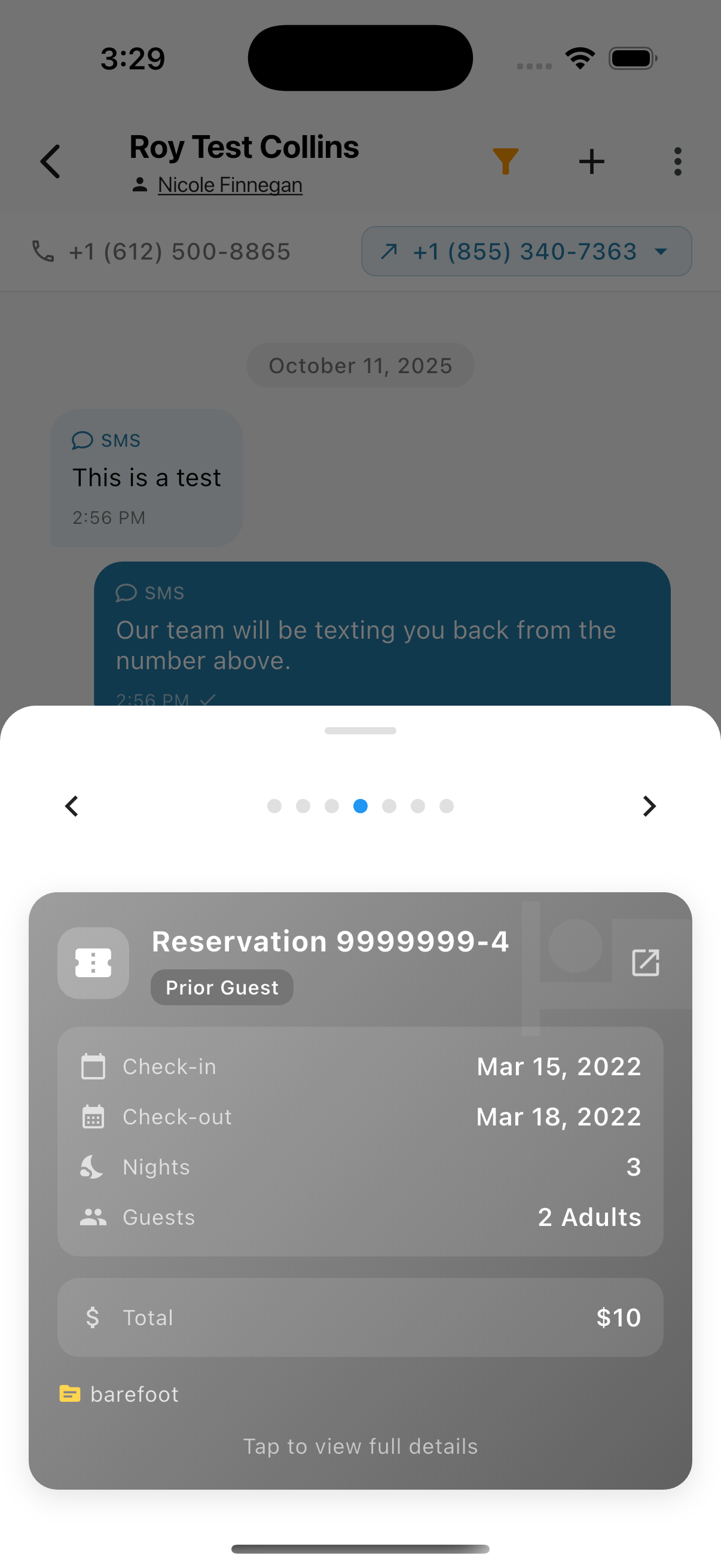
The reservation card shows:
- Reservation number
- Guest status (Prior Guest, Current Guest, etc.)
- Property name (e.g., "Home")
- Check-in and Check-out dates
- Number of nights
- Number of guests
- Total value with breakdown (Room cost, Extras)
- Source (booking platform)
Swipe left/right to view multiple reservations. Tap Tap to view full details to open the full reservation.
Expanded Reservation Card
Tap a reservation card to see the full breakdown:
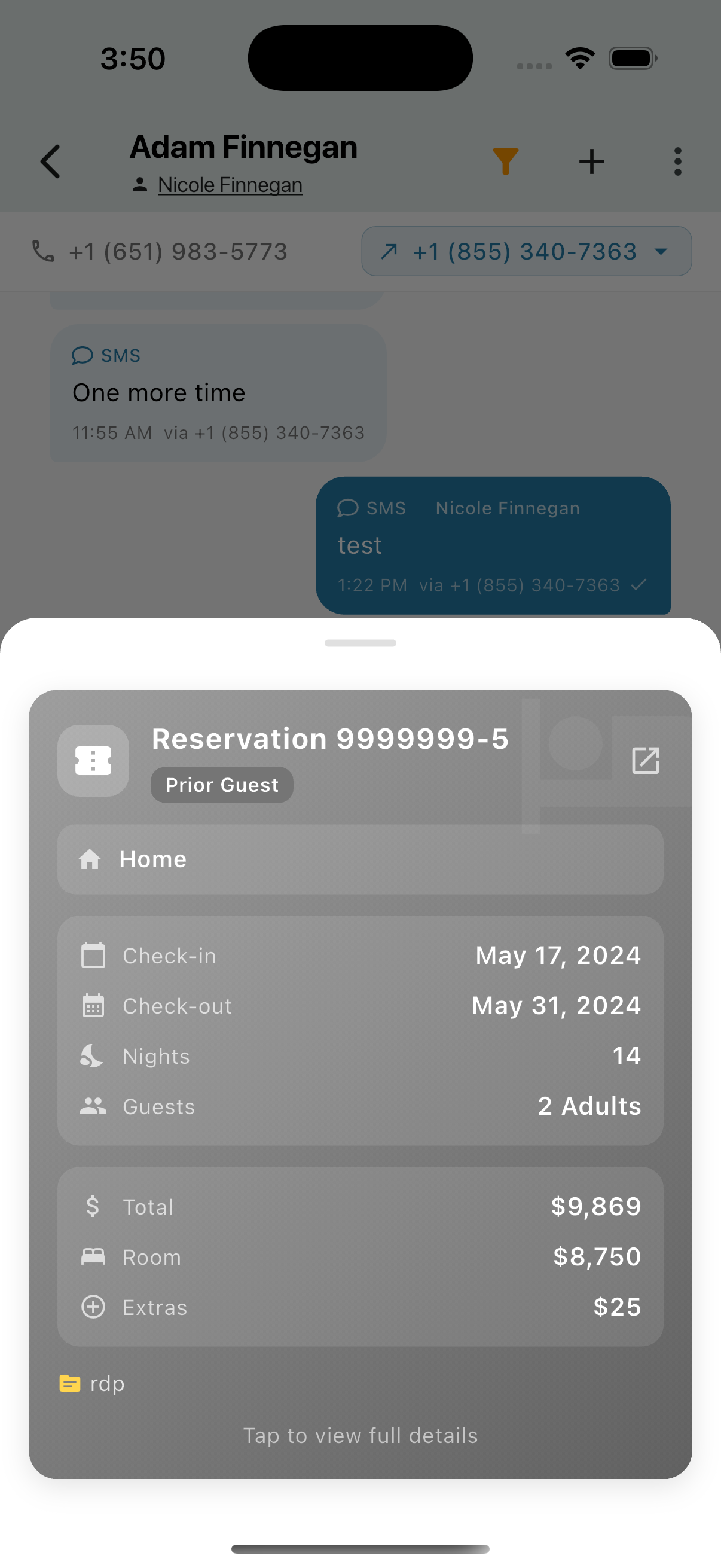
The expanded view shows:
- Total cost breakdown (Room + Extras)
- External link icon to open in booking platform
- Source tag (rdp, Airbnb, etc.)