Notes View
The Notes view provides a dedicated space for all internal notes about a contact. Notes are only visible to your team and are never sent to guests.
Accessing Notes
Tap the view selector icon in the toolbar and select Notes:
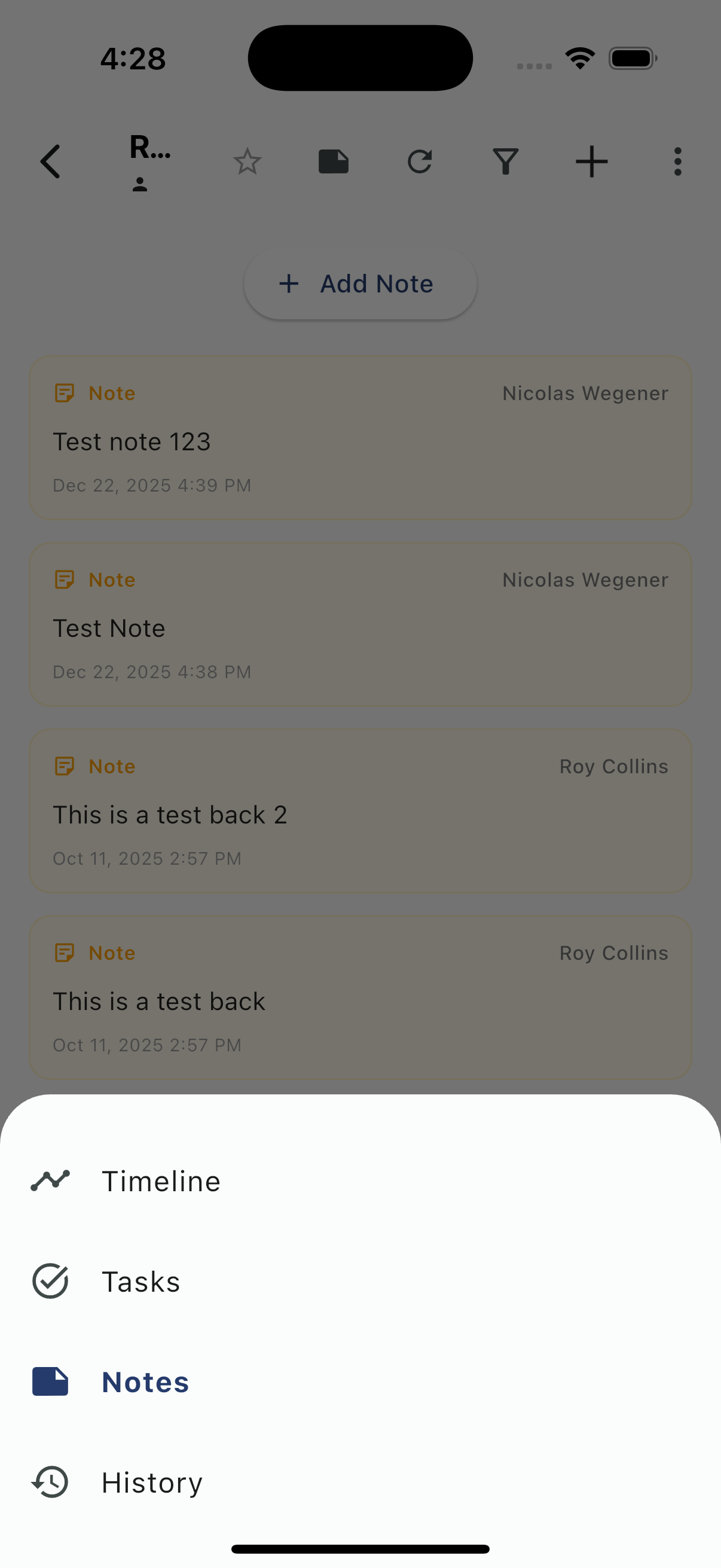
Notes Overview
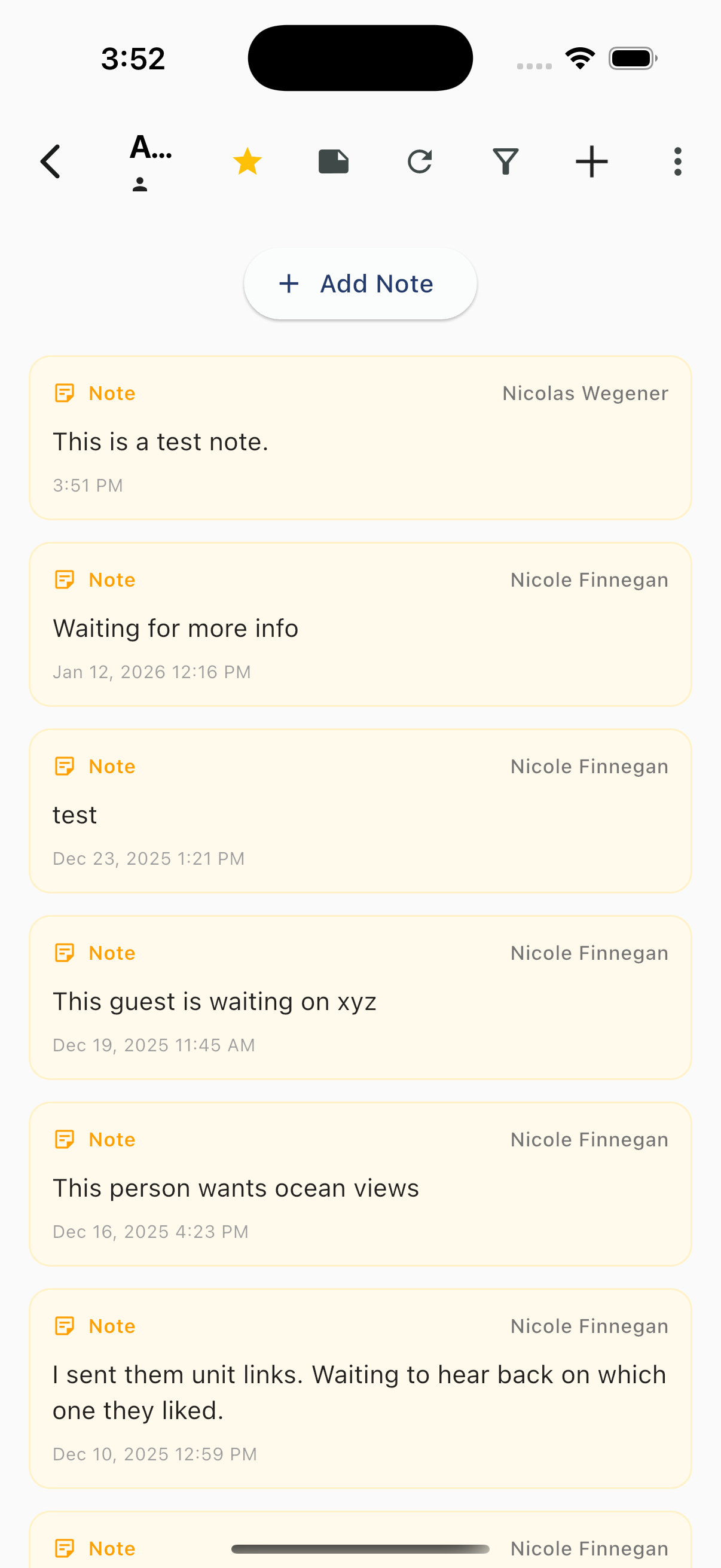
Notes List
Notes are displayed as cards with:
- Note label (pink)
- Author - Who created the note
- Content - The note text
- Date/Time - When the note was created
Notes appear in reverse chronological order (newest first).
Adding Notes
Tap + Add Note at the top to create a new note.
What to Use Notes For
- Guest preferences (early check-in requested, allergies, etc.)
- Special requests or accommodations
- Issues or complaints being tracked
- Follow-up reminders for your team
- Context about the guest relationship
- Handoff information between team members
Important
Notes are:
- Visible only to your team
- NOT sent to the contact
- Attached to the contact's profile permanently
- Searchable by team members