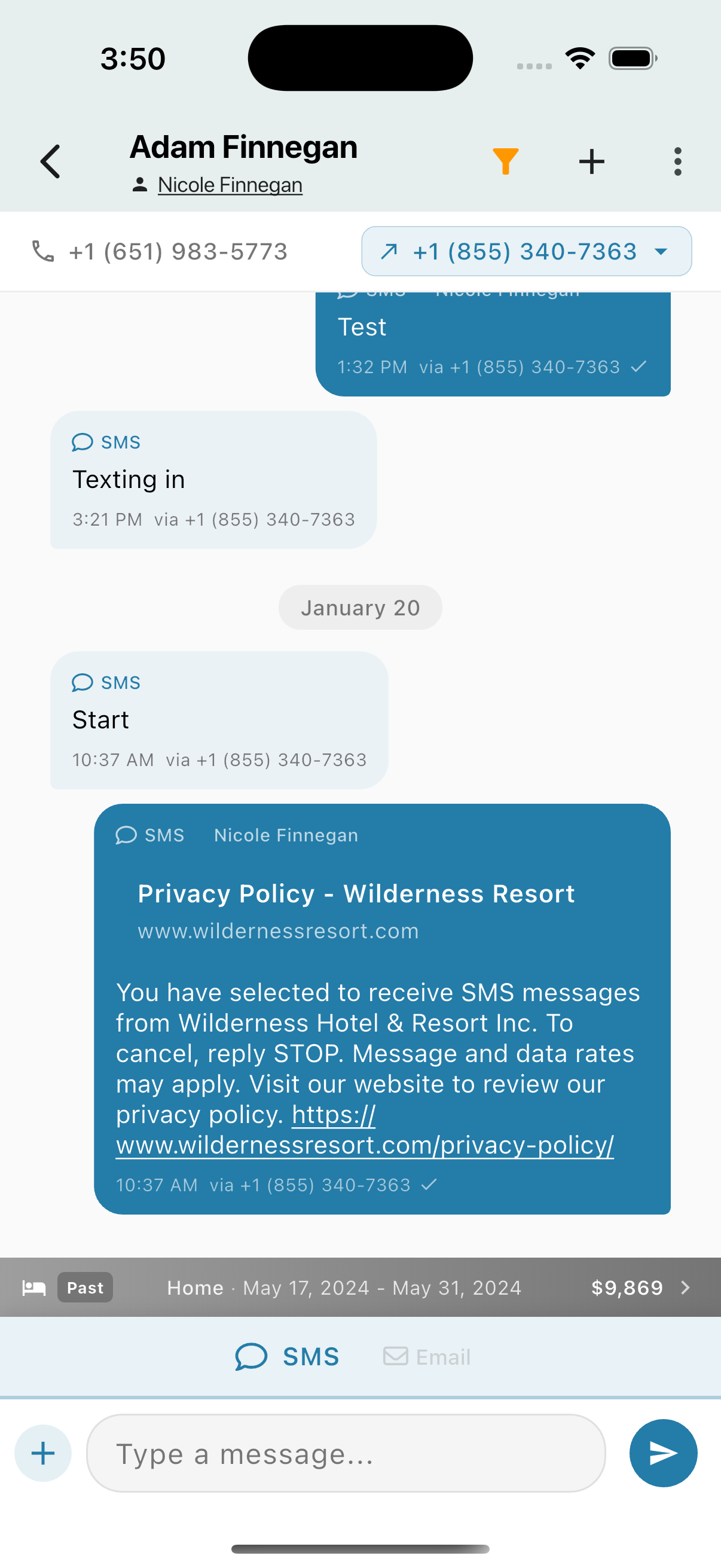
Message Thread
Messages appear in a chat-style thread:
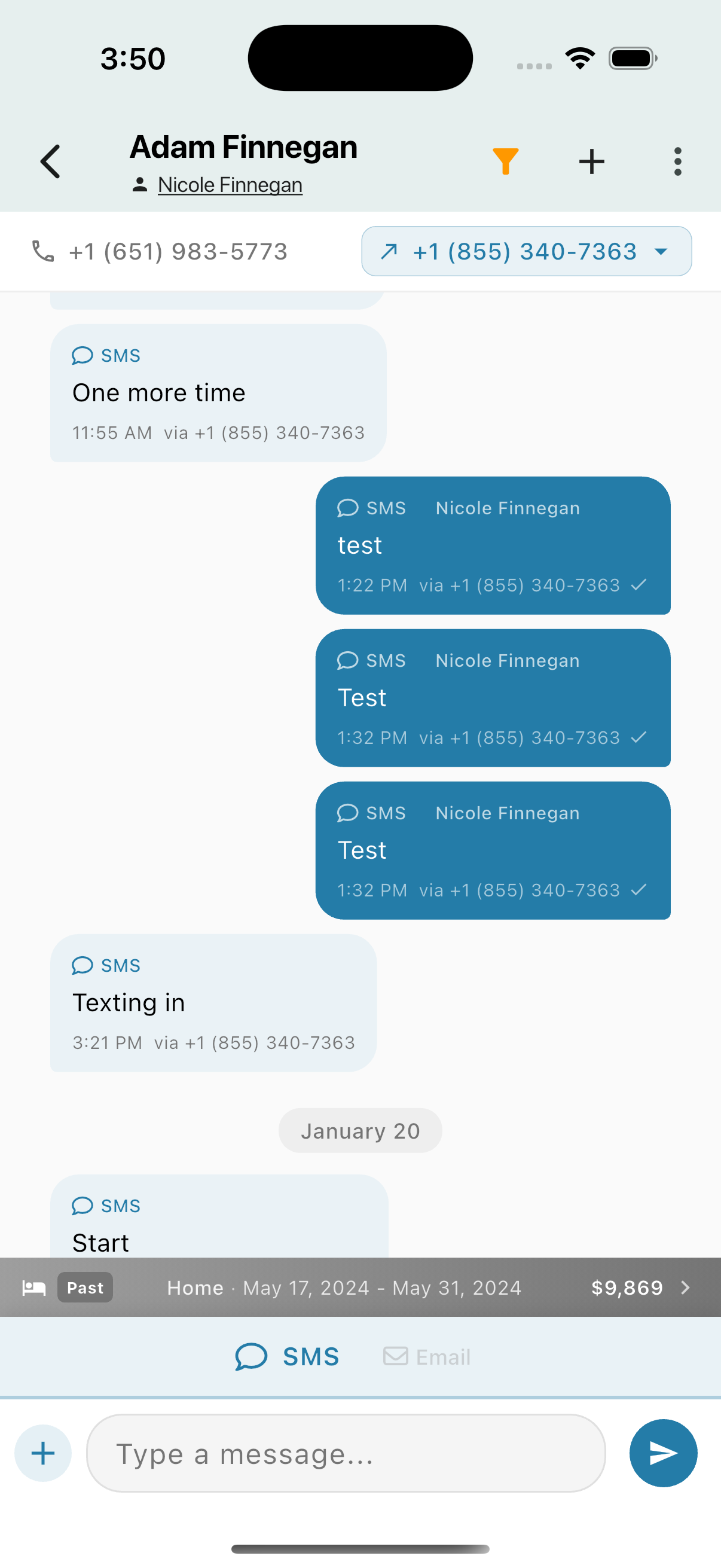
- Incoming messages (left, light background) - Messages from the contact
- Outgoing messages (right, dark/teal background) - Messages you've sent
- Channel indicator - Shows SMS, Email, WhatsApp, etc.
- Timestamp - When the message was sent
- Delivery status - Checkmark indicates delivered
Messages are grouped by date with date headers separating days.
Rich Link Previews
Messages containing links display rich previews with title and description: